
Claude Code Mods: install, use and disable them safely
Mods are plugins with in-process function hooks that can redraw the interface, add commands and intercept tool calls. This guide walks through your first mod, the built-in list, and the off switches — with every fact checked against the official docs.
Quick answer
- Mods are Claude Code plugins that ship a hooks module — JavaScript that runs inside Claude Code itself and can observe, rewrite or answer events.
- On v2.1.287 or newer mods work out of the box: install with /plugin install name@marketplace and the mod is live after a restart of the session.
- The built-in You Should Know mod is opt-in: enable it once with /plugin enable cc-plugin-you-should-know@builtin.
- To opt out, disable a single mod in /plugin, start with --safe-mode for one session, or set "disableAllHooks": true to keep every installed mod off.
Claude Mods Make Claude Code 10x More Powerful
Channel: Firecrawl4:40
Claude Code v2.1.287 — Claude Mods and Agent Plugins
Channel: Claude Code Changelog2:13
Mods overview — official docs (function hooks)
Docs: code.claude.com/docs
Screenshots come from the two videos above; only clean screen segments and typographic changelog slides were used — presenter segments were excluded. Facts are verified against the official mods documentation, not the videos.
Frame timestamps deep-link back to the source videos so the creators get the visit. Claude Code is a trademark of Anthropic; this guide is independent and not affiliated.
Install and use your first Claude Code mod
Understand what a mod is
- 1
Know what a mod changes
Claude Code 2.1.287 introduced mods: plugins that modify deeper behavior of the agent itself. A mod can react to session events, keep its own state and draw directly in the interface — a small program extending your terminal, not another instruction for the model.
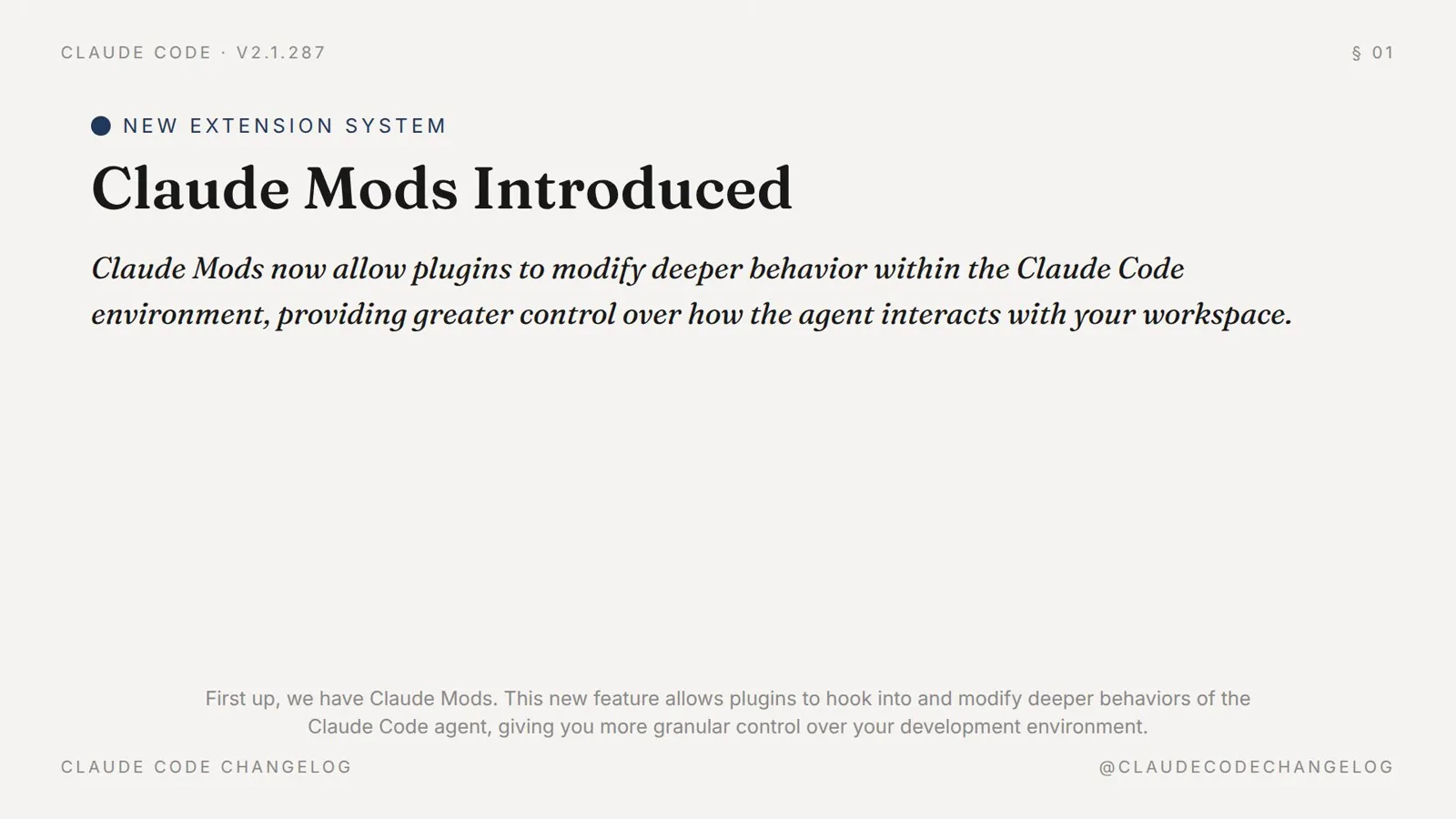
The v2.1.287 release notes introducing mods as plugins that modify deeper behavior within Claude Code.Watch at 0:30 - 2
Place mods among the other extension layers
Skills guide the model's behavior, MCP servers expose external tools, shell hooks run commands at lifecycle events. Mods are the fourth layer: code that runs in-process, can change the interface and intercept events before or after they happen. The cheat sheet below the walkthrough compares all five layers.
- 3
Check your Claude Code version
Mods require Claude Code v2.1.287 or newer, where they are enabled by default. Run claude --version to check; if you are behind, follow our Claude Code update guide and come back. Individual mods may ask for even newer builds.
The v2.1.287 release notes cover: Claude Mods, the You Should Know plugin, agent view filtering and background task management.Watch at 0:09
Install one and see it run
- 4
Skip the legacy enable flag
Older walkthroughs tell you to set CLAUDE_CODE_ENABLE_FUNCTION_HOOKS=1 — that was the early-access preview. Since 2.1.287 mods are on by default and the env var is ignored, so you can remove it from your settings. Nothing else is needed to turn mods on.
- 5
Install a mod from a marketplace
Inside a session run /plugin install mod-name@marketplace; from your shell use claude plugin install mod-name@marketplace and then /reload-plugins if a session is already open. Before installing third-party code you can lint it with claude plugin validate ./some-mod.
- 6
Read what a mod actually is
A mod is a hooks module: a register(on) entry that subscribes handler functions to engine events. Each handler receives the mods API, the event, and a next() continuation — an Express-middleware shape where you can observe, rewrite or answer the event, then pass it on.
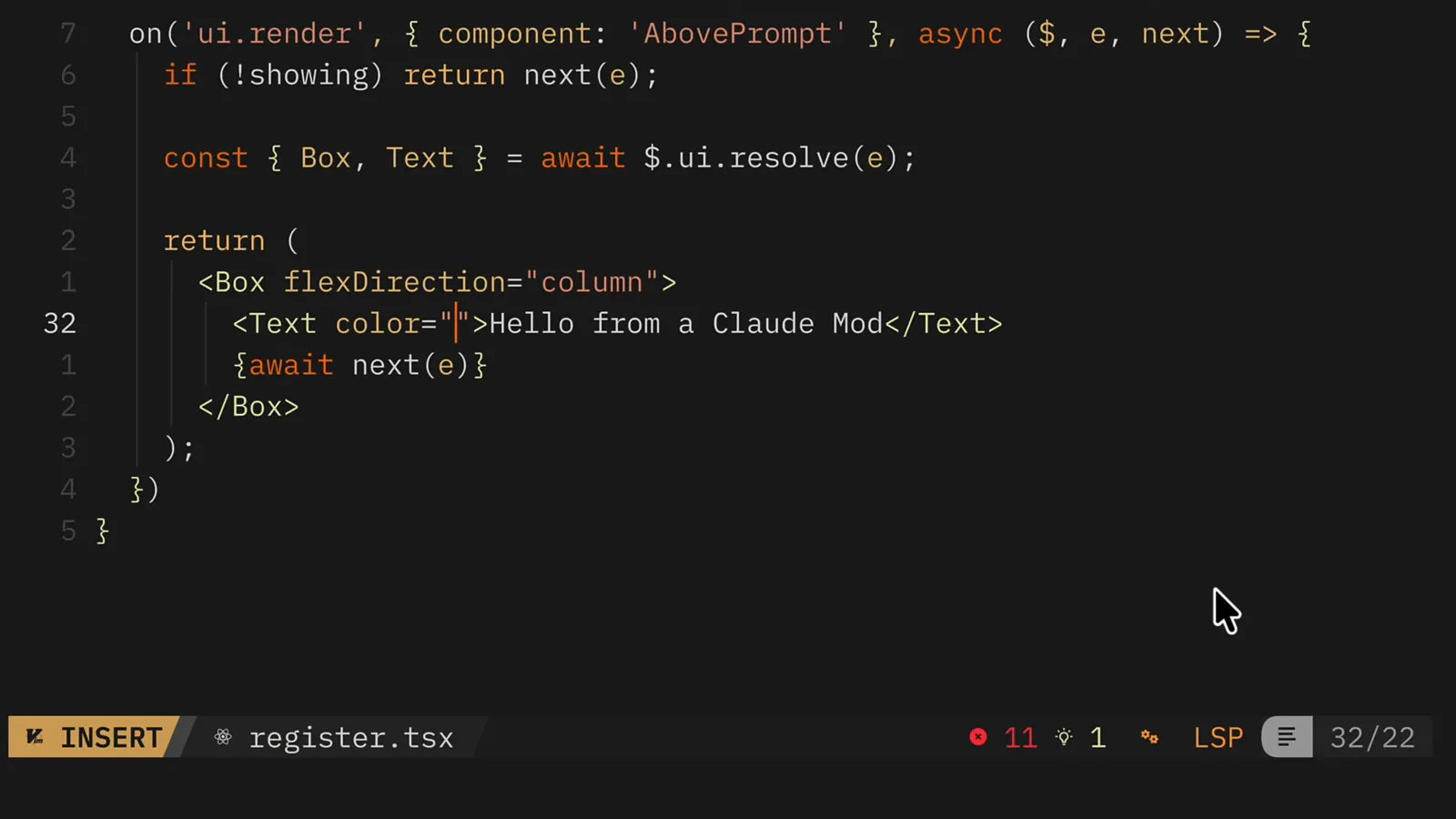
A real mod's register.tsx: an on('ui.render') handler that redraws the AbovePrompt component with an extra line of text.Watch at 2:35 - 7
Run the session and verify
Start Claude Code and check the evidence: custom slash commands from the mod appear in the help list, and /plugin shows a line like "1 mod active" under the tabs. If nothing appears, re-read the mod's instructions — drawing mods only work in the terminal and the desktop app's Code tab.
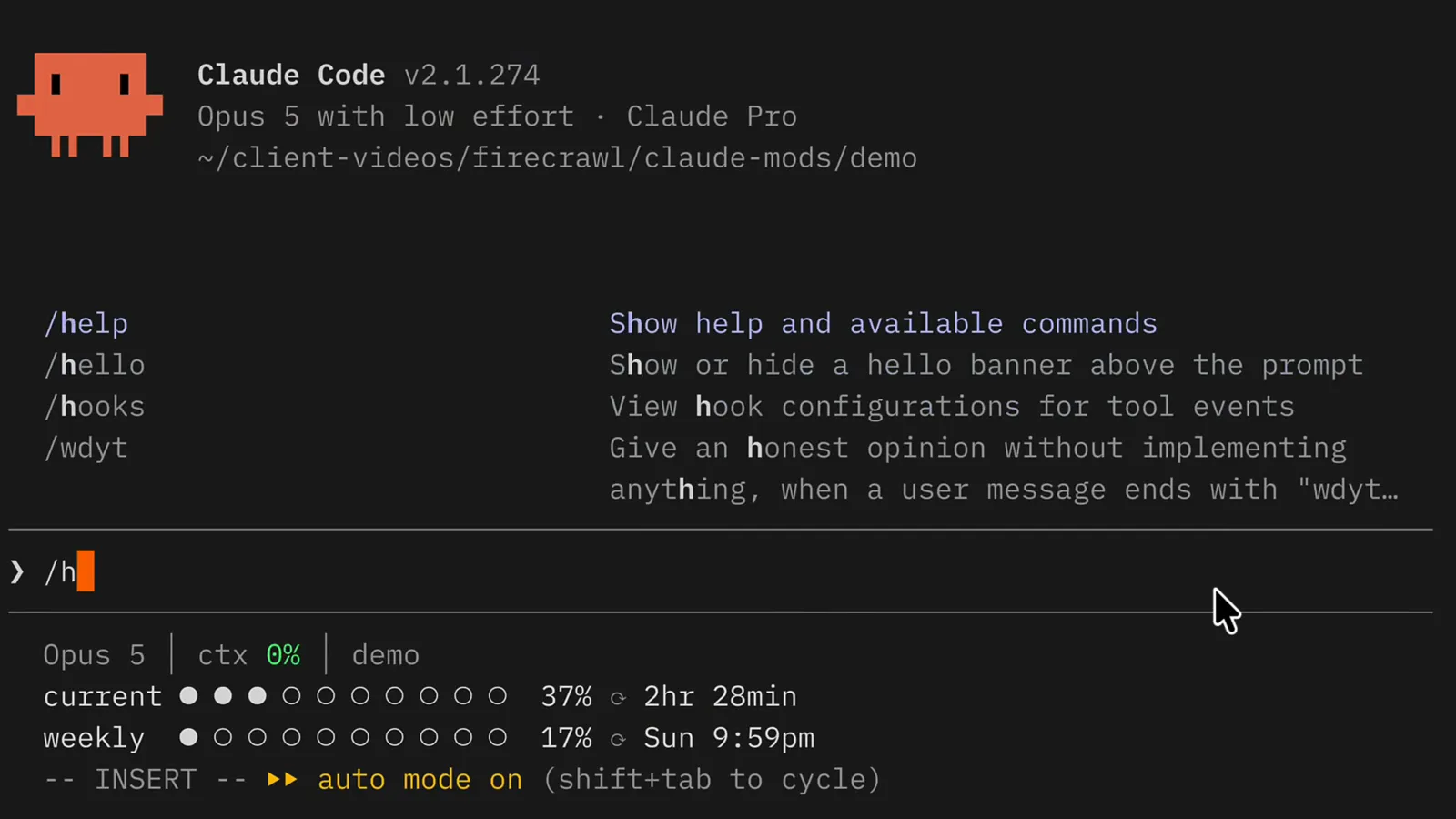
The /hello command in the help list comes from an installed mod — mods can register instant custom commands without a Claude turn.Watch at 2:32
The built-in mods
- 8
Meet the built-in mods
Open /plugin and look at the Built-in section: cc-plugin-agents-md loads AGENTS.md, cc-plugin-diff powers the /diff pane, cc-plugin-plugin-authoring is the plugin-authoring skill, cc-plugin-sec-default guards org policy, and cc-plugin-telemetry handles analytics. Their source lives in the mods directory of the Claude Code repo.
- 9
Enable the You Should Know mod
You Should Know is Claude Code's built-in side agent: once enabled it watches your session and flags things you might have missed. It ships disabled by default — turn it on once with /plugin enable cc-plugin-you-should-know@builtin and it stays on for future sessions.
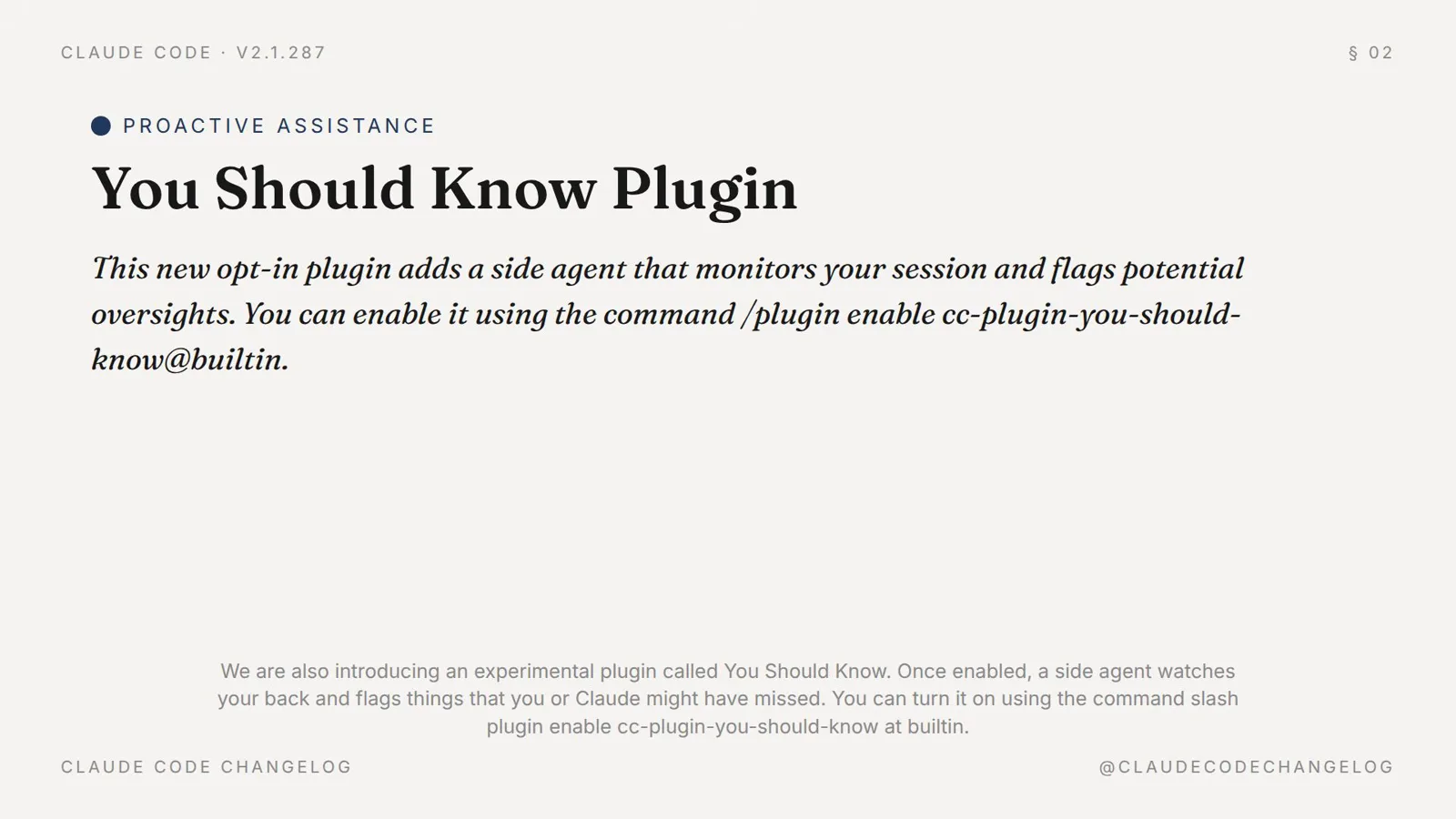
The official you-should-know card: a side agent that monitors your session, enabled with /plugin enable cc-plugin-you-should-know@builtin.Watch at 0:48 - 10
Know the three off switches
Disable one mod in /plugin's Installed tab. Start claude --safe-mode for a single mod-free session. Or set "disableAllHooks": true in ~/.claude/settings.json to keep every installed mod off until you flip it back. Built-in mods keep running in all three cases — that is by design.
Stay in control
- 11
Respect the security model
Mods run with your permissions and are not sandboxed: they can read environment variables and secrets, rewrite prompts, pre-approve tool calls and spend your usage. Only install mods you would run as plain code on your machine, and audit what a session loaded via /plugin.
- 12
Know where mods can draw
Mod UI — panes beside the transcript, bands above the prompt, custom tabs — renders in the terminal and the desktop app's Code tab. It does not draw in WSL sessions, the VS Code chat panel, claude -p runs, the Agent SDK or cloud sessions, and it can restyle Claude Code's UI but never the permission prompt.
Mods vs plugins vs skills vs MCP vs hooks
Claude Code now has five extension layers and the naming gets blurry fast. The short version — where the code runs and what it can touch:
- 1Skills are markdown instruction packages that steer the model's behavior when invoked — no code execution of their own.
- 2MCP servers connect external tools and data sources over the Model Context Protocol — outside the process, exposed as tools.
- 3Shell hooks are commands from your settings files that run at lifecycle events, such as before or after a tool call.
- 4Plugins bundle any of the above — commands, agents, MCP servers, hooks — into one installable package.
- 5Mods are plugins whose hooks module runs in-process: TypeScript functions that can redraw the UI, intercept events mid-flight and hold state between events.
Rule of thumb: instructions go in skills, integrations go in MCP, automation goes in shell hooks, packaging goes in plugins — and when you need to change what Claude Code itself looks like or how an event resolves, that is a mod.