
Use DeepSeek in Claude Code: Anthropic API Setup
Point Claude Code at DeepSeek's Anthropic-compatible endpoint — one environment block maps Opus, Sonnet and Haiku to deepseek-v4-pro or flash, and every request bills at DeepSeek API prices.
The short version
- DeepSeek exposes an Anthropic-compatible endpoint, so Claude Code talks to it directly — no proxy tool required.
- The whole switch is one environment block: ANTHROPIC_BASE_URL plus ANTHROPIC_AUTH_TOKEN and the per-model mappings.
- Map the alias models deliberately: Opus and Sonnet slots to deepseek-v4-pro, the Haiku and subagent slots to deepseek-v4-flash.
- Billing moves to DeepSeek's pay-as-you-go API — the walkthrough's demo session built and tested a full app for cents, tracked in the platform dashboard.
DeepSeek v4 Pro on Claude Code - Full Setup Tutorial
Channel: Prince does AI8:08
Use Claude Code with ANY AI Model GPT, Gemini, DeepSeek
Channel: AyyazTech17:00
Anthropic-compatible API — official DeepSeek documentation
Docs: api-docs.deepseek.com
Screenshots come from Prince does AI's setup walkthrough — a clean full-screen recording. The router comparison follows AyyazTech's any-model tour, and the endpoint facts come from DeepSeek's own API documentation.
Frames belong to the respective creators and are credited here with deep links to the exact moments; the write-up is ours.
From npm install to a working app on DeepSeek
Part 1 · Install and configure
- 1
Install Claude Code and verify
Install the CLI with npm, then run claude --version — the walkthrough shows 2.1.89 printing back. Node.js is the only prerequisite, and the same install works on macOS, Linux and Windows.
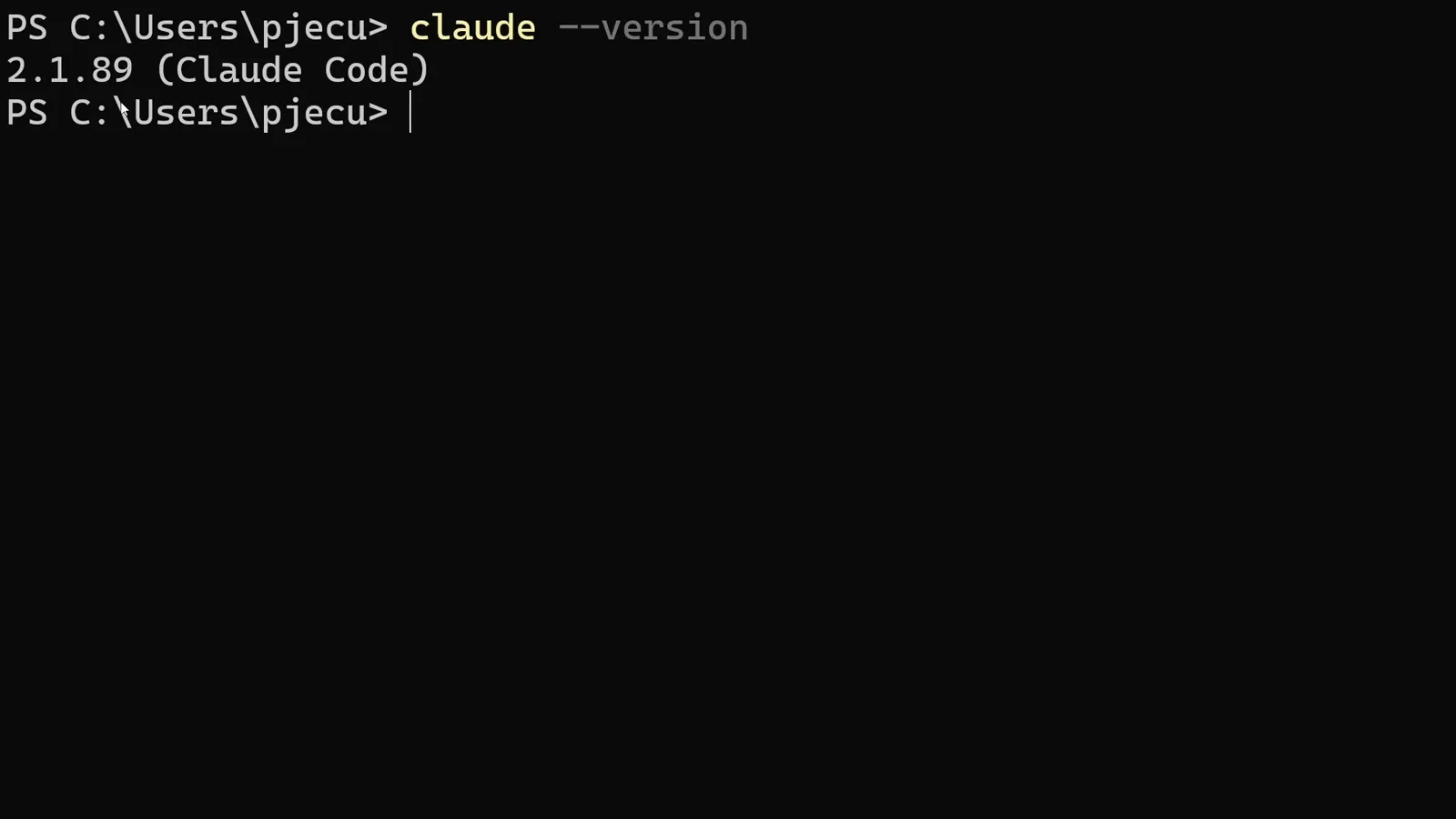
The version check confirming Claude Code 2.1.89 is installed.Watch at 0:46 - 2
Get a DeepSeek API key
Sign in at platform.deepseek.com, top up a small amount from the Billing page, then open API keys in the sidebar and create a new key. Copy it immediately — the platform only shows it once.
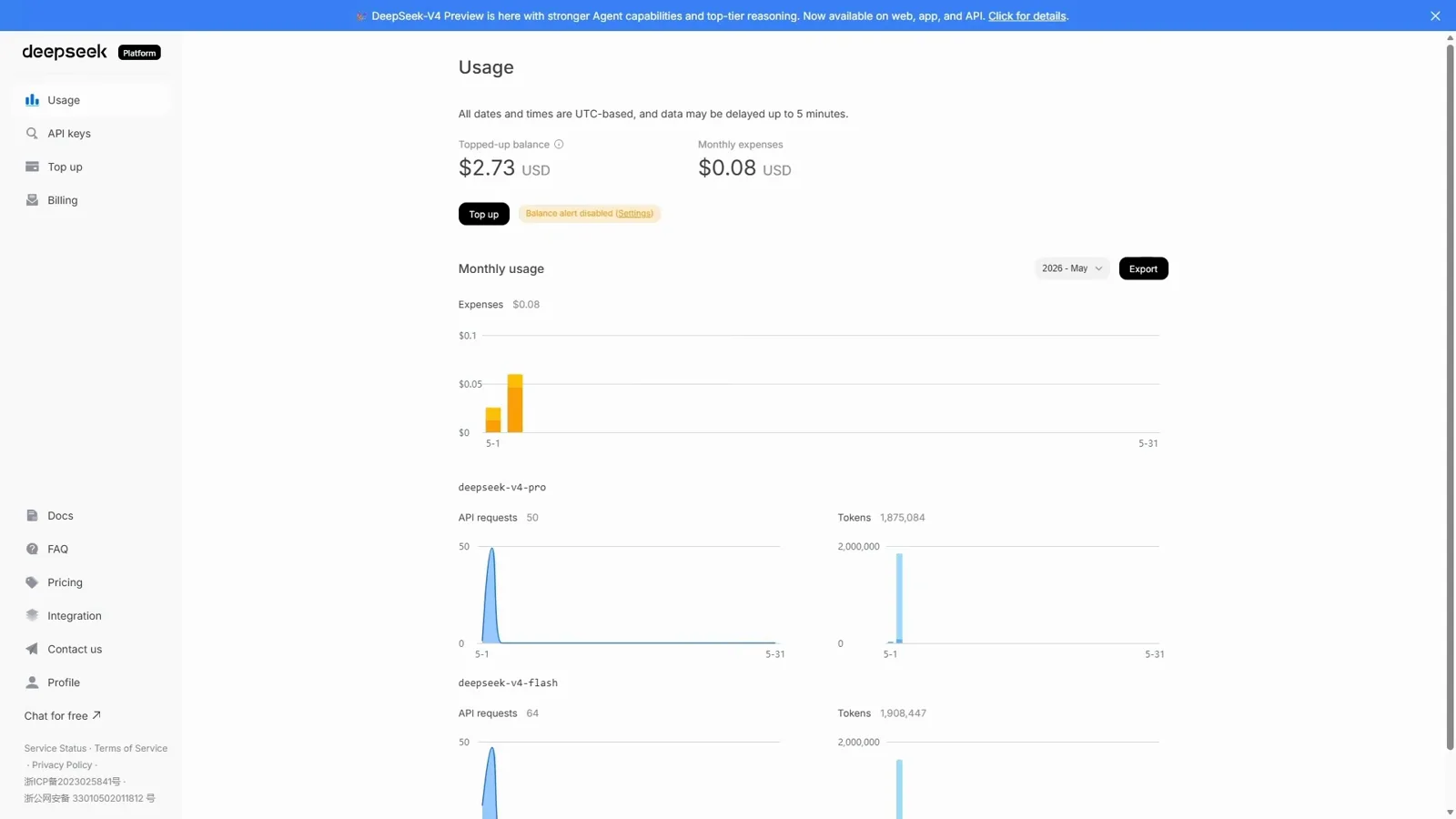
The DeepSeek platform console with API keys in the sidebar.Watch at 0:49 - 3
Set the environment block
In PowerShell, set ANTHROPIC_BASE_URL to the DeepSeek Anthropic endpoint and ANTHROPIC_AUTH_TOKEN to your key, then map the model slots: ANTHROPIC_MODEL and the OPUS and SONNET defaults to deepseek-v4-pro, the HAIKU default and CLAUDE_CODE_SUBAGENT_MODEL to deepseek-v4-flash. Paste the block as one unit and press enter.
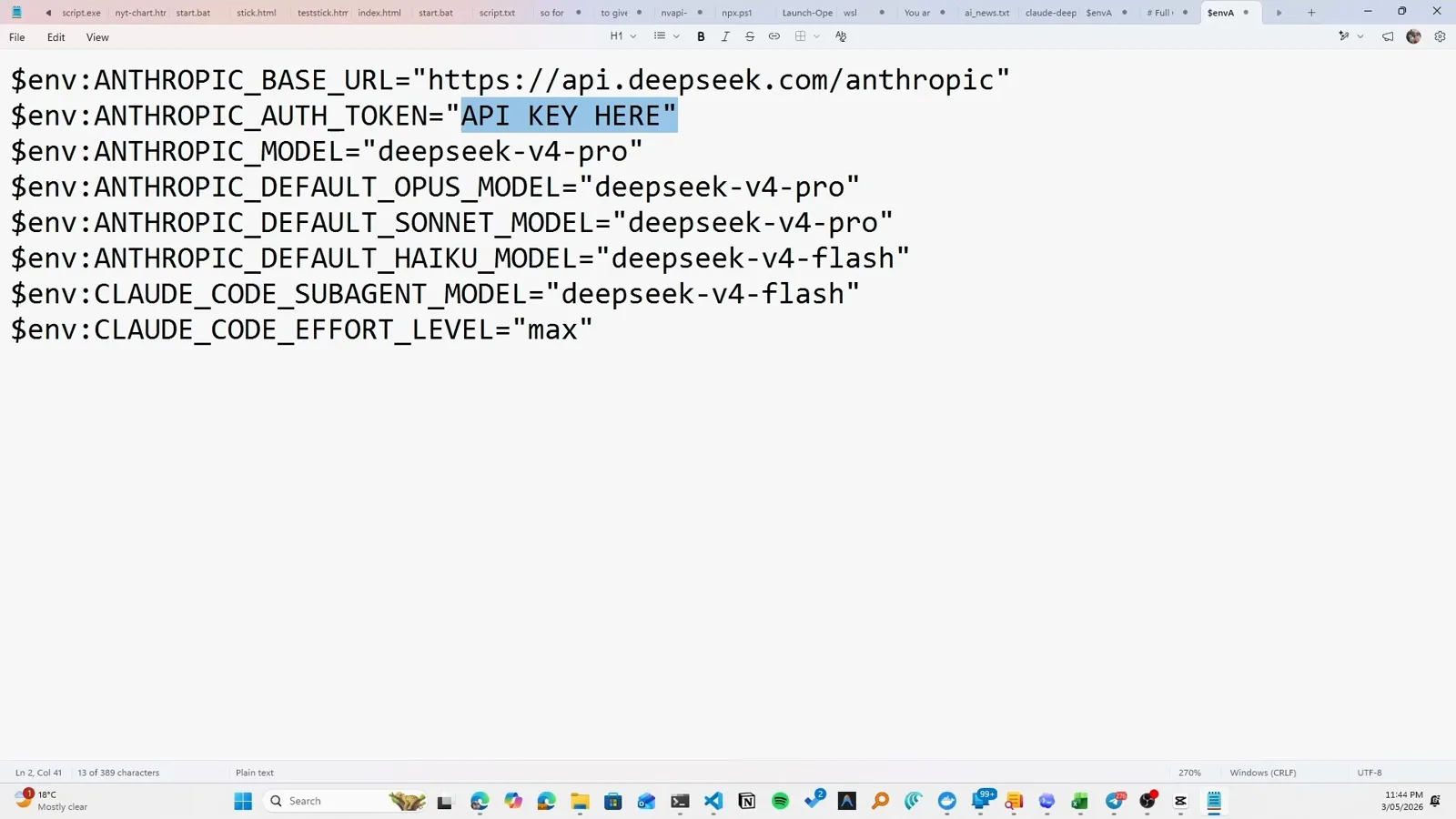
The environment block: endpoint, token and model mappings.Watch at 1:35
Part 2 · Launch on DeepSeek
- 4
Launch Claude Code
Type claude in the same PowerShell window and accept the folder-trust prompt. Environment variables set with the env prefix live for that window only — relaunching later means pasting the block again unless you persist it in your profile.
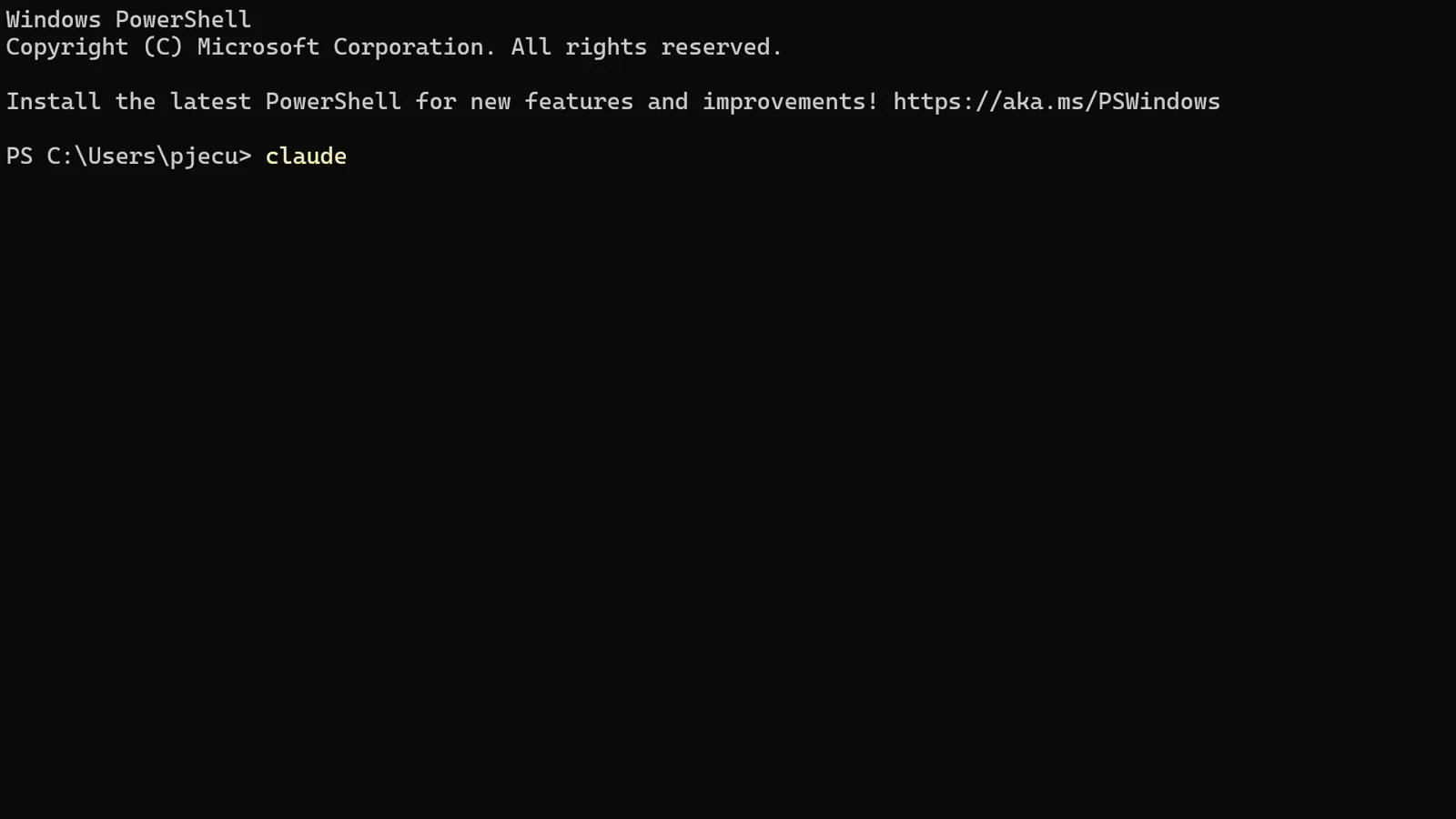
Launching Claude Code from the configured PowerShell window.Watch at 2:05 - 5
Confirm the API billing badge
The welcome screen shows an API Usage Billing badge instead of a plan name — that is your signal the DeepSeek endpoint is live. The model row may read Opus with 1M context: that is the mapped name; the tokens are answered by deepseek-v4-pro.
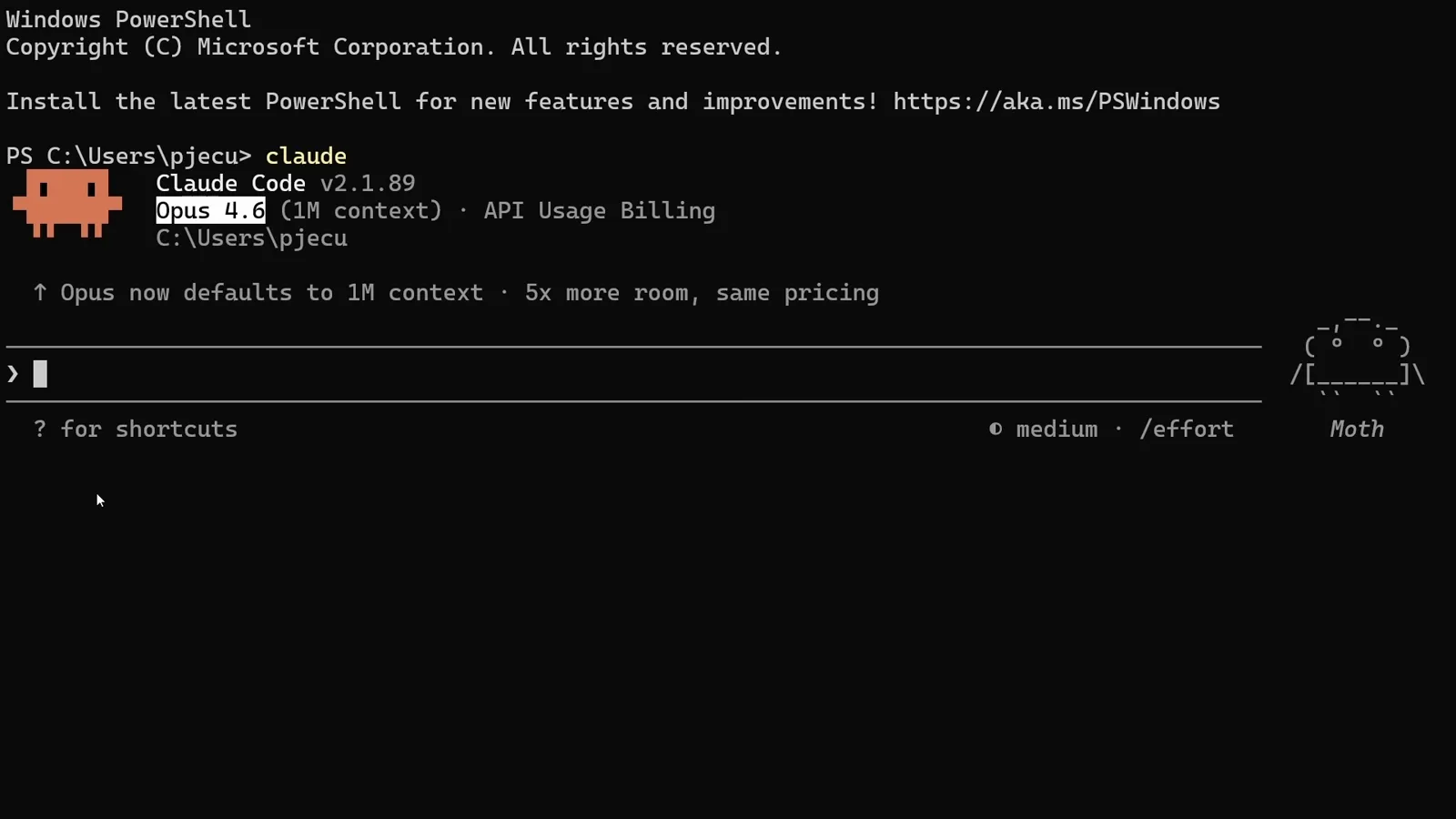
The welcome screen showing Opus 4.6 with API Usage Billing.Watch at 2:25 - 6
Run your first prompt
The walkthrough launches with permissions skipped for an uninterrupted demo; without that flag Claude Code asks before each edit exactly as usual. Start with a reasoning question to sanity-check the pipe.
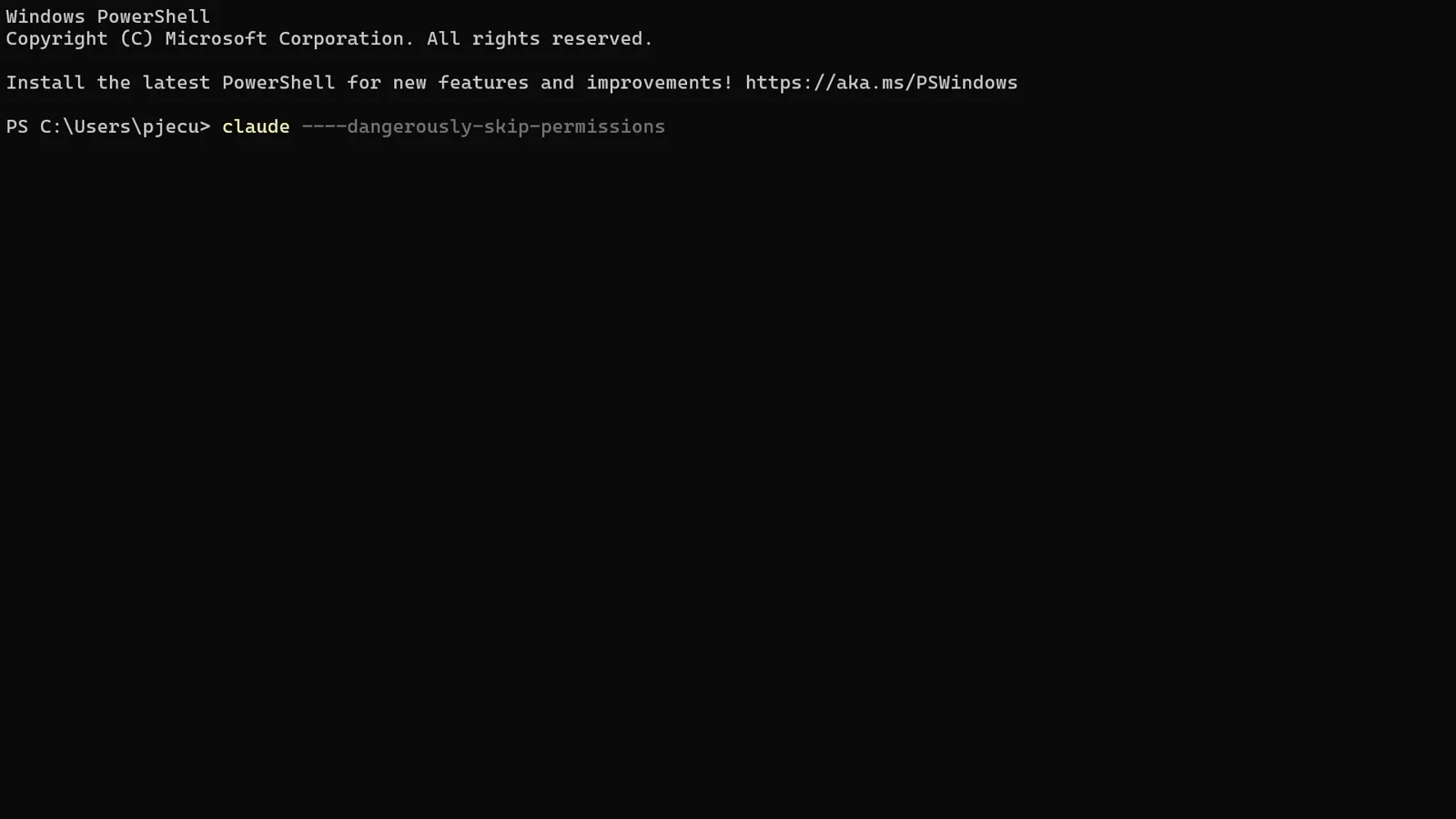
Launching with permissions skipped for the demo session.Watch at 2:50 - 7
Sanity-check the answers
The demo asks a small logic question — should I walk or drive to the car wash — and gets the right answer with reasoning attached. Ten seconds here saves ten minutes of debugging later.
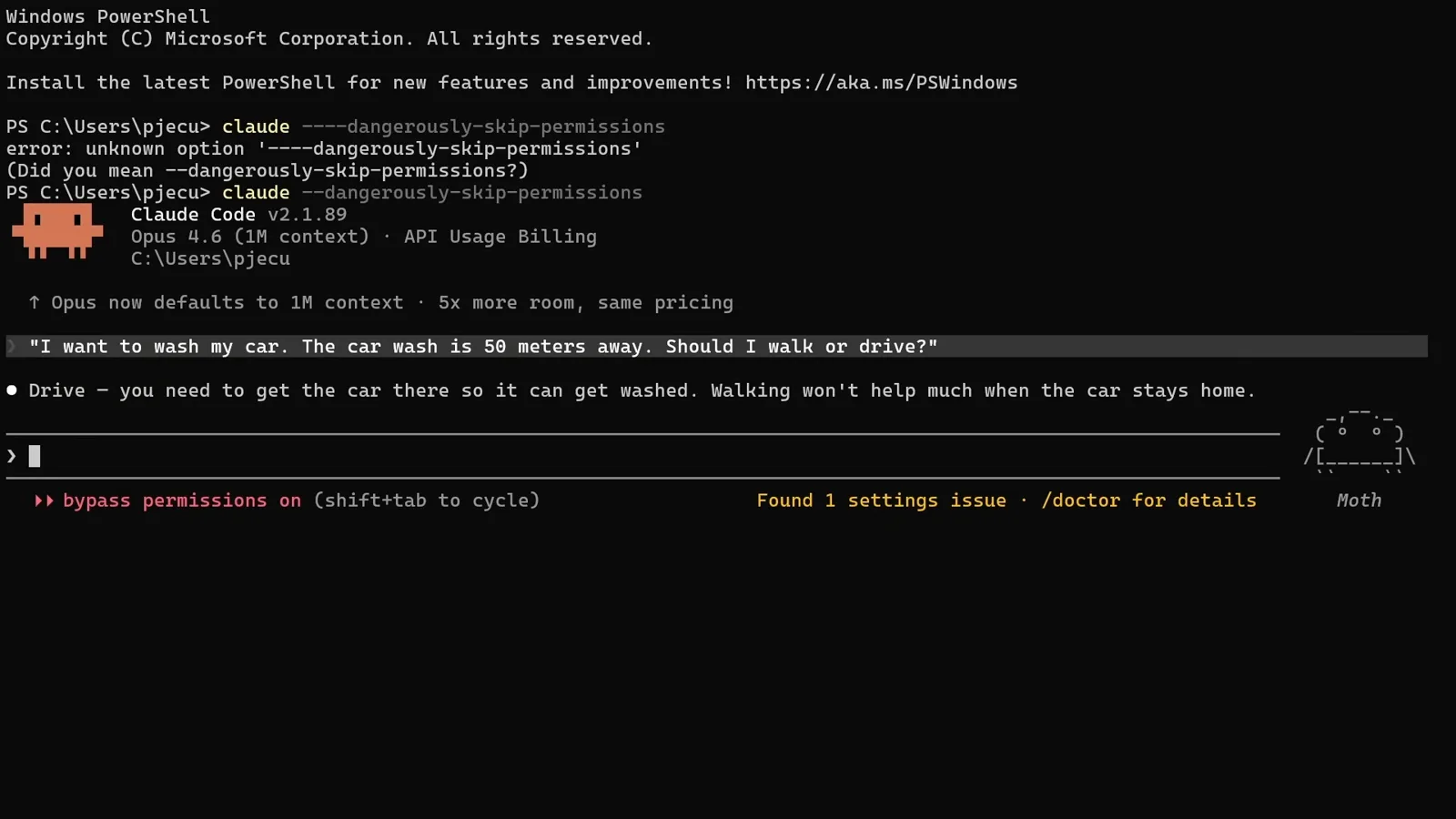
The car-wash test answered correctly through DeepSeek.Watch at 3:18
Part 3 · Make it prove itself
- 8
Give it a real build
Ask for something substantial — the demo requests an impressive Electron app and lets the model plan first. The plan-then-build flow works identically on DeepSeek: approve the plan and watch the steps tick off.
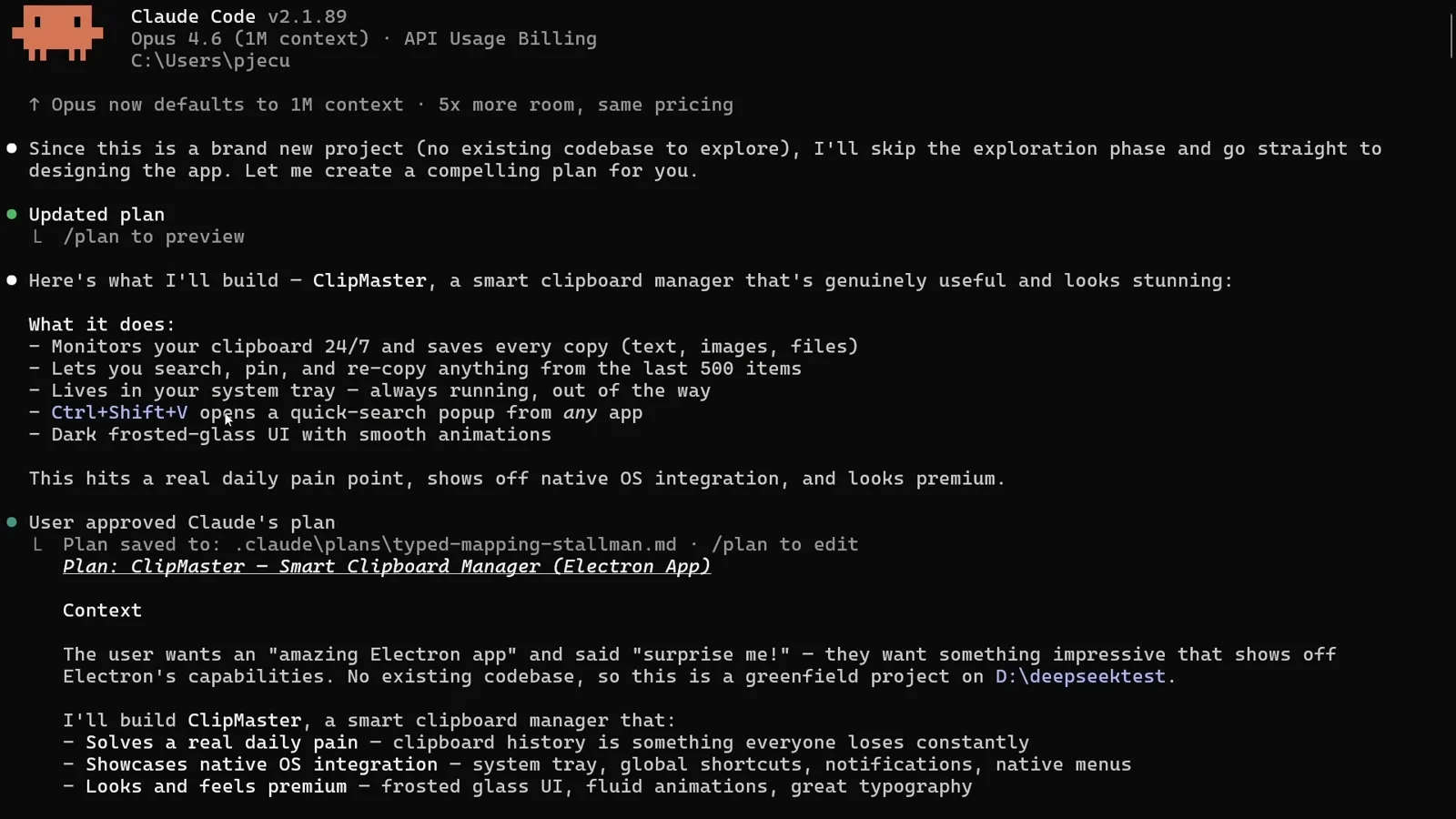
The model planning ClipMaster, a clipboard manager app.Watch at 4:22 - 9
Let it finish and open the app
Claude Code scaffolds, codes and launches the result — the demo's ClipMaster monitors the clipboard, keeps history and registers global shortcuts. Everything you would expect from a plan-approve-build cycle.
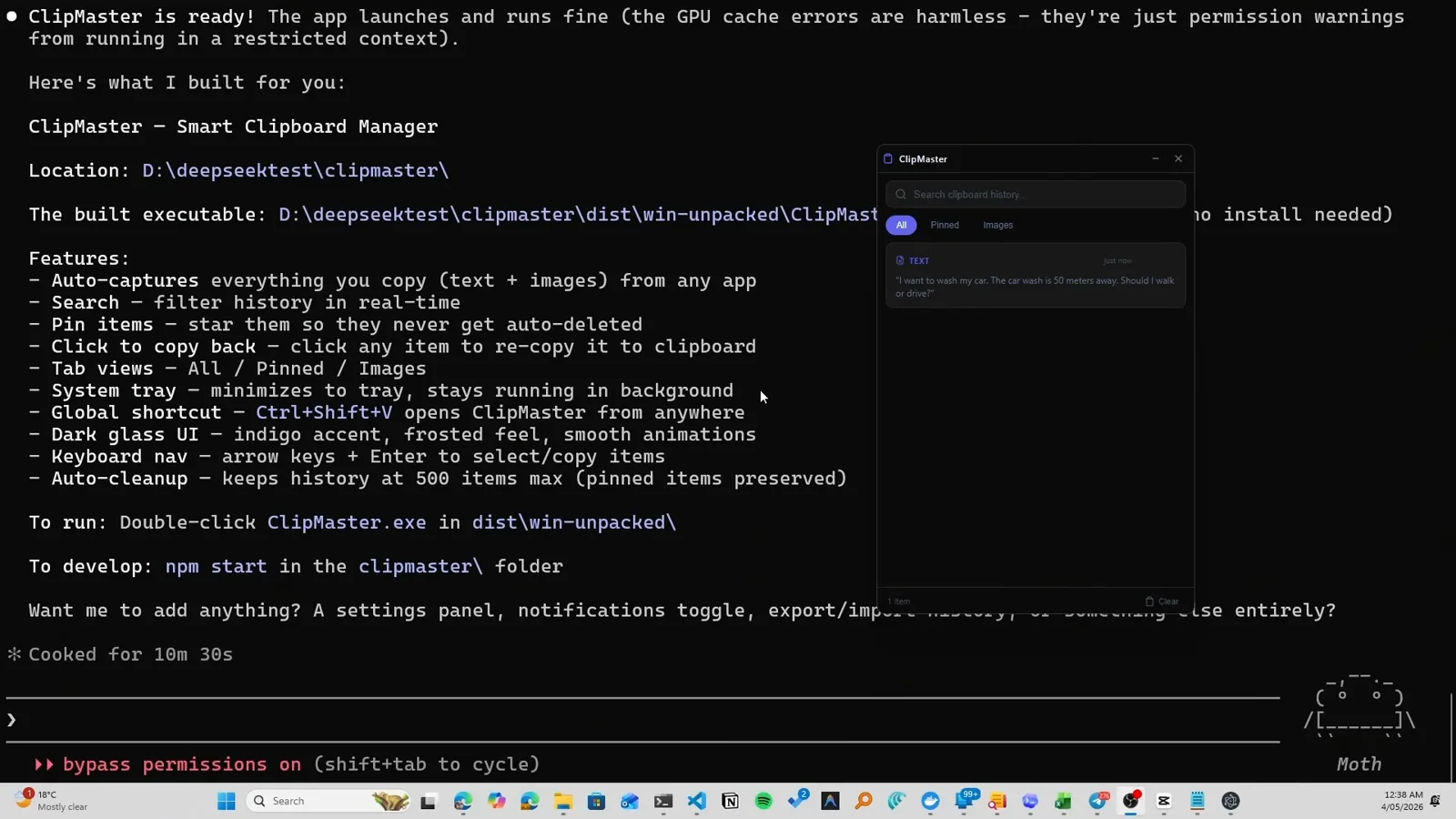
The finished ClipMaster app with its feature list.Watch at 5:25 - 10
Test the output like a user
Copy a few things anywhere on your system and watch them appear in the generated app's history. Testing beats trusting — the demo copies from a second monitor to prove the capture is real.
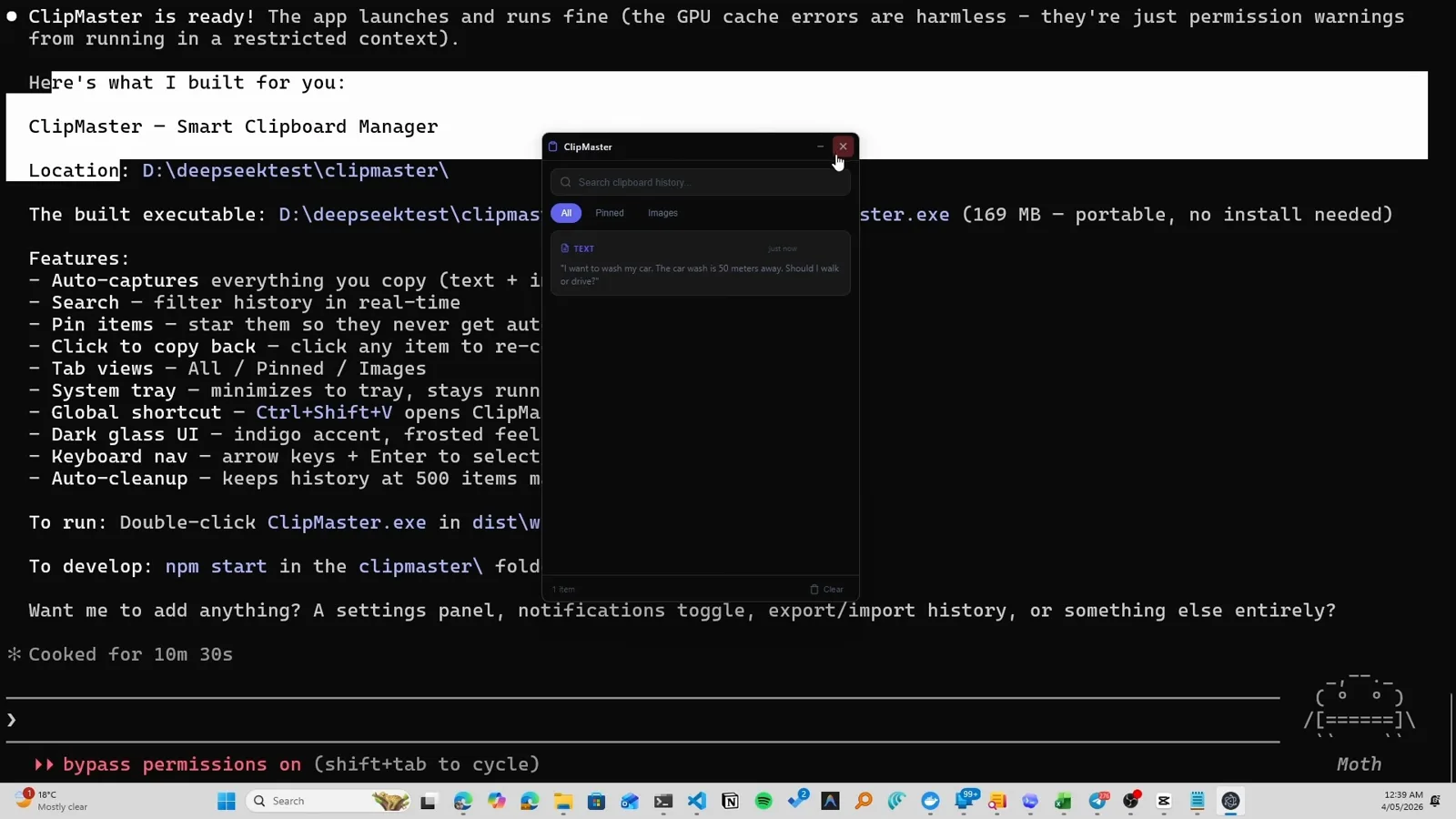
Copied items landing in ClipMaster's live history.Watch at 5:55 - 11
Check what it cost
Back on the DeepSeek platform, the Usage page shows requests, tokens and spend for the session. The creator's headline: about two million tokens for eight cents. Your numbers land in the same dashboard in near real time.
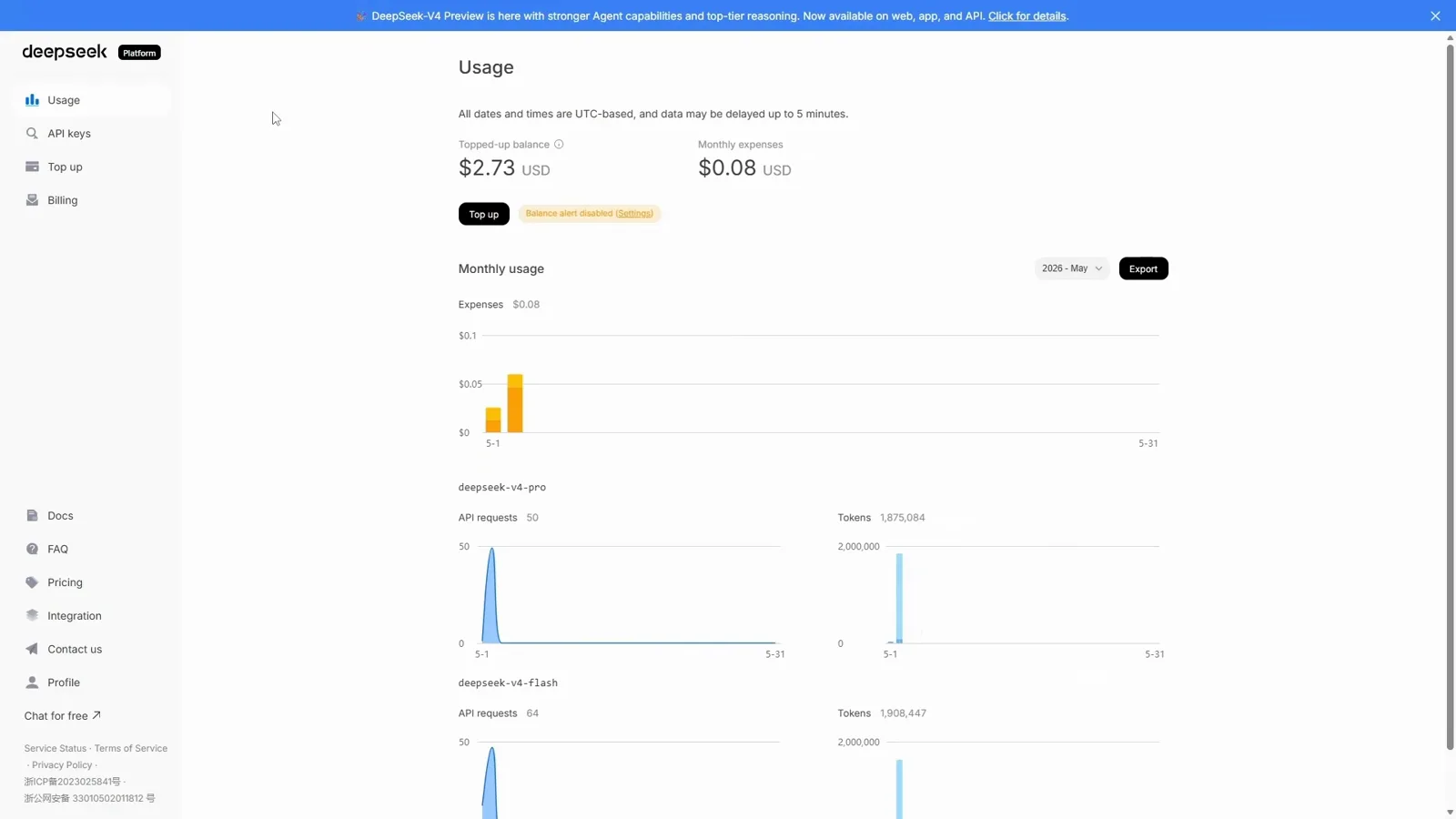
The usage dashboard after the full build-and-test session.Watch at 7:00
Direct endpoint or claude-code-router?
There are two ways to run Claude Code on DeepSeek. This guide uses the direct Anthropic-compatible endpoint; the router tool is the other road.
- 1Direct endpoint, this guide: zero extra tools — environment variables only, and Claude Code talks straight to api.deepseek.com.
- 2claude-code-router: a local proxy that adds model switching mid-session and multi-provider routing, at the cost of installing and configuring another service.
- 3Pick direct when DeepSeek is your daily driver; pick the router when you juggle several providers or switch models per task.
- 4Both approaches keep the same Claude Code UX — plans, tools and permissions behave identically; only the billing and the model behind the alias change.
Our Claude Code router tutorial covers the proxy route step by step, including its own DeepSeek configuration.
When the setup misbehaves
Almost every failure here is an environment variable or a stale window. Run down this list before touching anything else.
- 1Still billed by your Claude plan: the welcome screen shows a plan name instead of API Usage Billing — the env block was set in a different terminal window. Re-run it where you launch claude.
- 2Authentication errors: the token was pasted with quotes or whitespace, or the key lacks balance. Create a fresh key, top up, and set ANTHROPIC_AUTH_TOKEN again.
- 3Model errors mentioning tool use: older DeepSeek snapshots handled some tool calls poorly — keep deepseek-v4-pro mapped for the main slots and flash for subagents, as in step 3.
- 4Wrong model seems to answer: remember the alias. The UI says Opus or Sonnet while your mappings decide the real model — check ANTHROPIC_MODEL first, not the label.
- 5Settings drift between sessions: PowerShell env vars expire with the window. Persist the block in your shell profile, or wrap it in a small script you run before coding.
To go back to Anthropic billing, clear the variables — remove-env ANTHROPIC_BASE_URL and its companions in the same window — and restart Claude Code.