
Claude Code Usage Limits, Explained: Sessions, Weeks & Fixes
What the 5-hour session window and the weekly limit actually measure, where "Limit reached ∙ resets" comes from, and the fixes that keep you coding when either clock runs out.
TL;DR
- Pro and Max meter Claude Code two ways at once: a session limit on a rolling 5-hour window and a weekly limit on top — both shared with your claude.ai chats.
- Nothing is counted in messages. Longer conversations, attached files, the model you pick and your effort level all move the meter faster.
- Run /status for remaining usage and /context to see what a fresh session already costs before you type a word.
- When a wall hits: read the reset time, trim MCP servers and skills, drop effort, /compact or /clear, or fall back to usage credits — or a cheaper API endpoint.
Claude Usage Limits Explained — Why You Hit Them So Fast
Channel: Couture Code1:40
Stop Hitting Claude Code Usage Limits
Channel: AI RoundTable17:24
DeepSeek v4 Pro on Claude Code - Full Setup Tutorial
Channel: Prince does AI8:08
How do usage and length limits work? — official support article
Official page: support.claude.com
Manage costs effectively — official documentation
Official page: code.claude.com/docs
Facts on this page were cross-checked against Anthropic's support article and the Claude Code docs; where a video and an official page disagree, the official page wins. Weekly-limit figures change over time — the support article above always carries the current numbers.
Screenshots are frames from the YouTube videos above, used with attribution and linked to the original timestamp at each step.
Claude Code usage limits, step by step
What the session limit really measures
- 1
Accept that there is no fixed message count
Claude Pro and Max don't promise "N messages per day". Your plan buys a usage budget that is spent by turns, and it drains at a different speed every day. Anthropic's support pages and community explainers agree: how long the budget lasts depends on what you send, not on a counter. Once that clicks, every other fix on this page follows naturally.
There is a real limit — but no universal message quota.Watch at 0:01 - 2
See what moves the meter
Five things decide how fast a session burns budget: the length of each message, the files you attach, how long the conversation has grown, which model and features you use, and the effort level you select. Long chats with big files on the heaviest model at high effort can drain a window in a handful of turns; short, focused prompts on a lighter model barely move the needle.
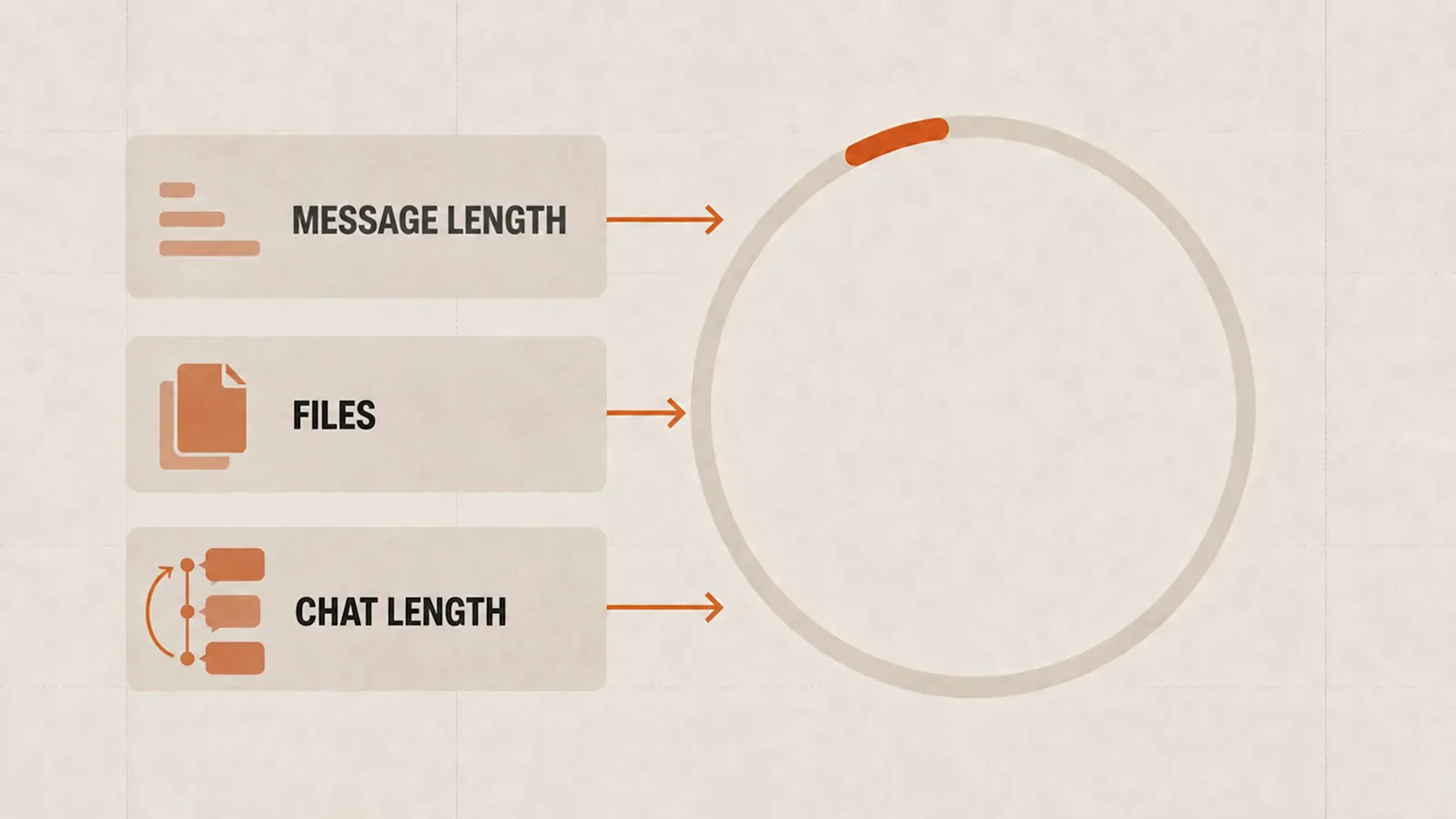
Message length, files and chat length feed the same budget ring.Watch at 0:17 - 3
Run the two clocks: 5 hours and 7 days
Official docs describe an allowance that resets on a rolling five-hour window and a weekly window. The session clock starts with your first message and fully restores five hours later; the weekly cap keeps a running total across sessions and resets once a week. Hitting either one pauses Claude Code until that window refreshes.
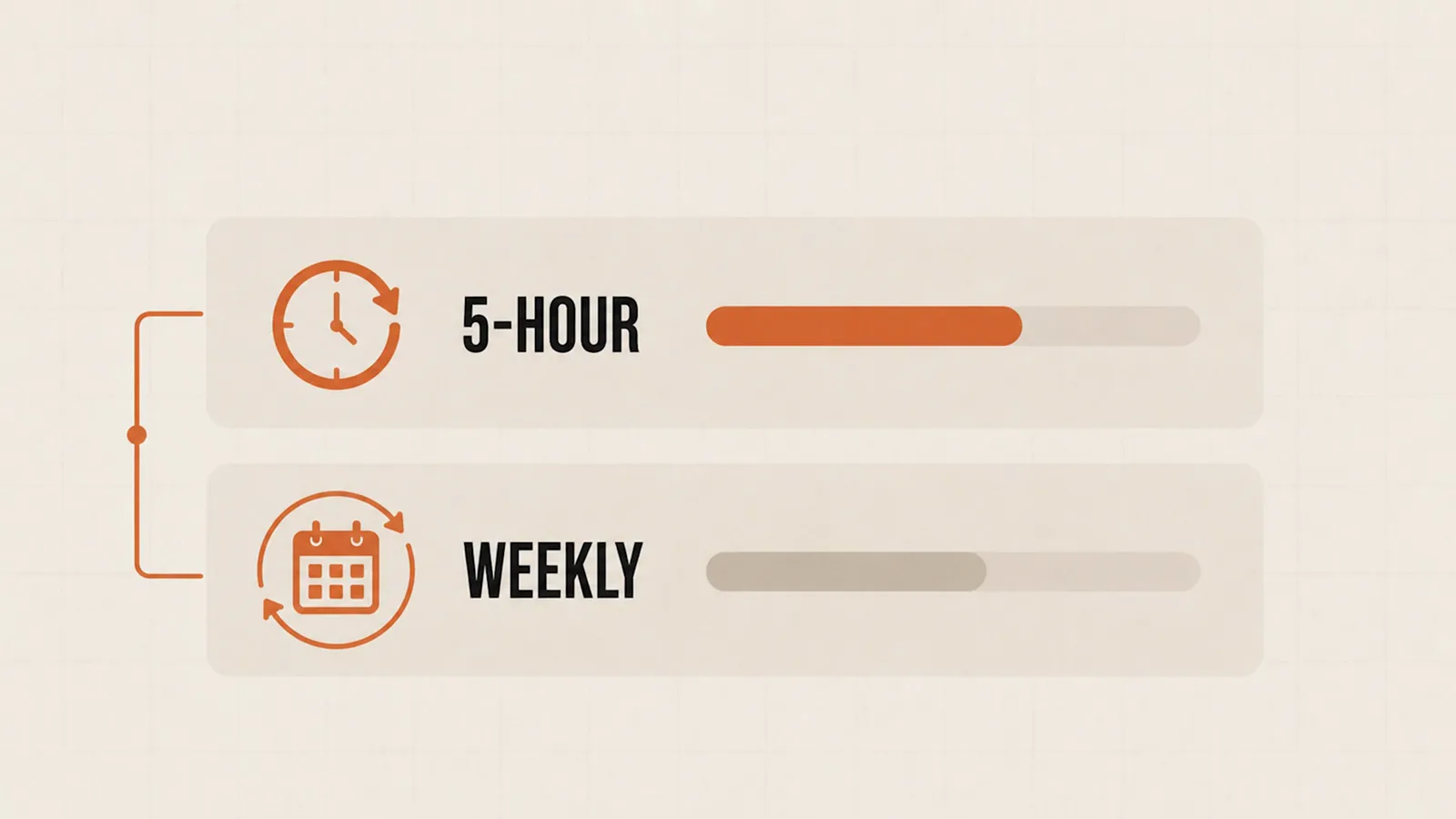
A nearly-spent 5-hour bar above a half-spent weekly bar.Watch at 0:30 - 4
Tell a usage wall apart from a full context
A usage limit and a context limit are different ceilings. Usage is your plan's budget: it refills on the clock. Context is the model's window: it only empties when you /compact or /clear. That's why a session can die with a full context while you still have usage left — or hit the usage wall with room to spare in the window. The fix is different for each.
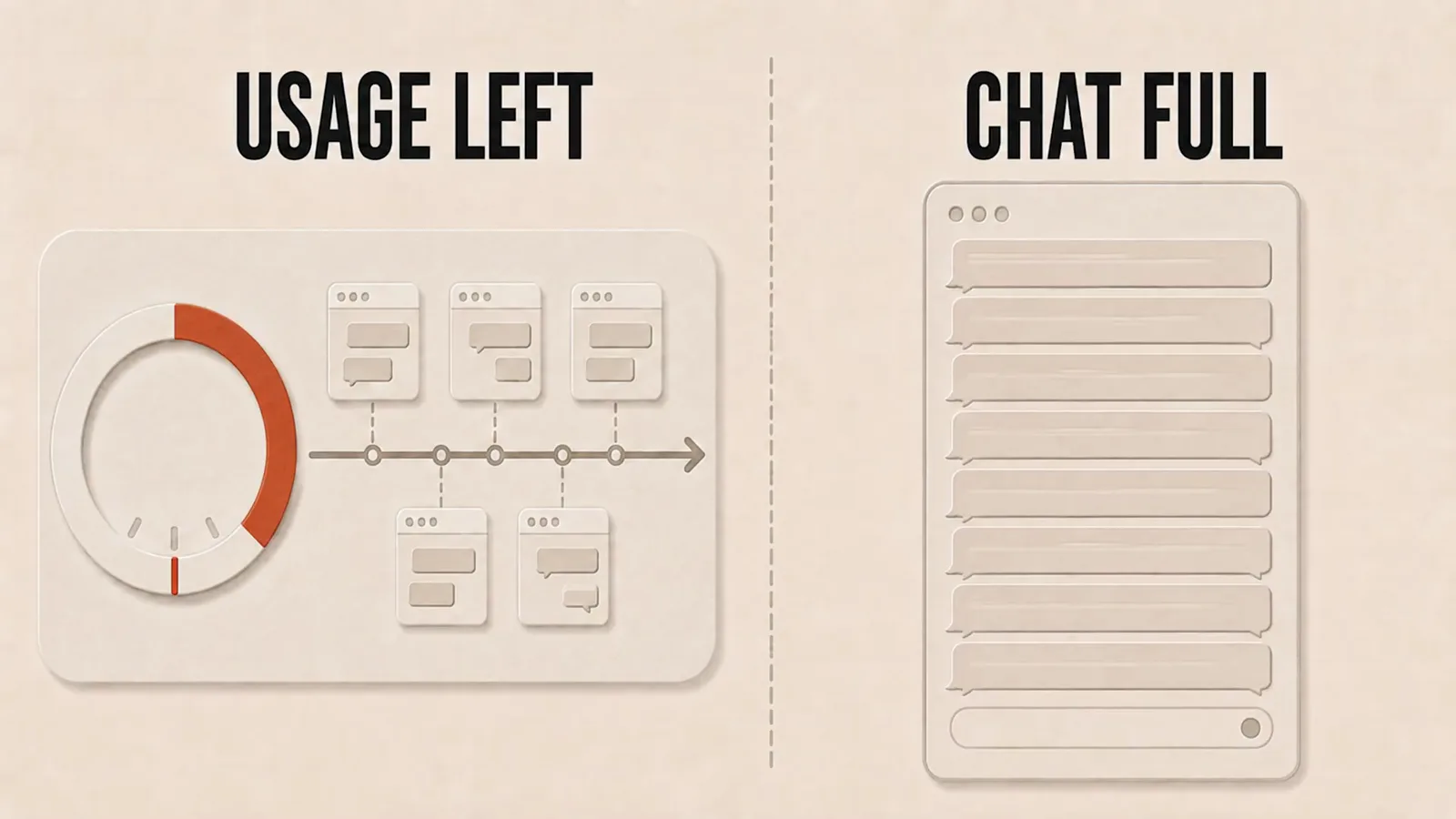
Usage left in the plan vs. chat full in the window.Watch at 1:16
The weekly limit and its reset rhythm
- 5
Remember every surface drinks the same pool
Your usage limit is shared across claude.ai, the desktop app and Claude Code. A long afternoon of web chatting quietly shrinks the budget your evening coding session inherits — and vice versa. If limits seem to arrive earlier than expected, look at what you did outside the terminal first.
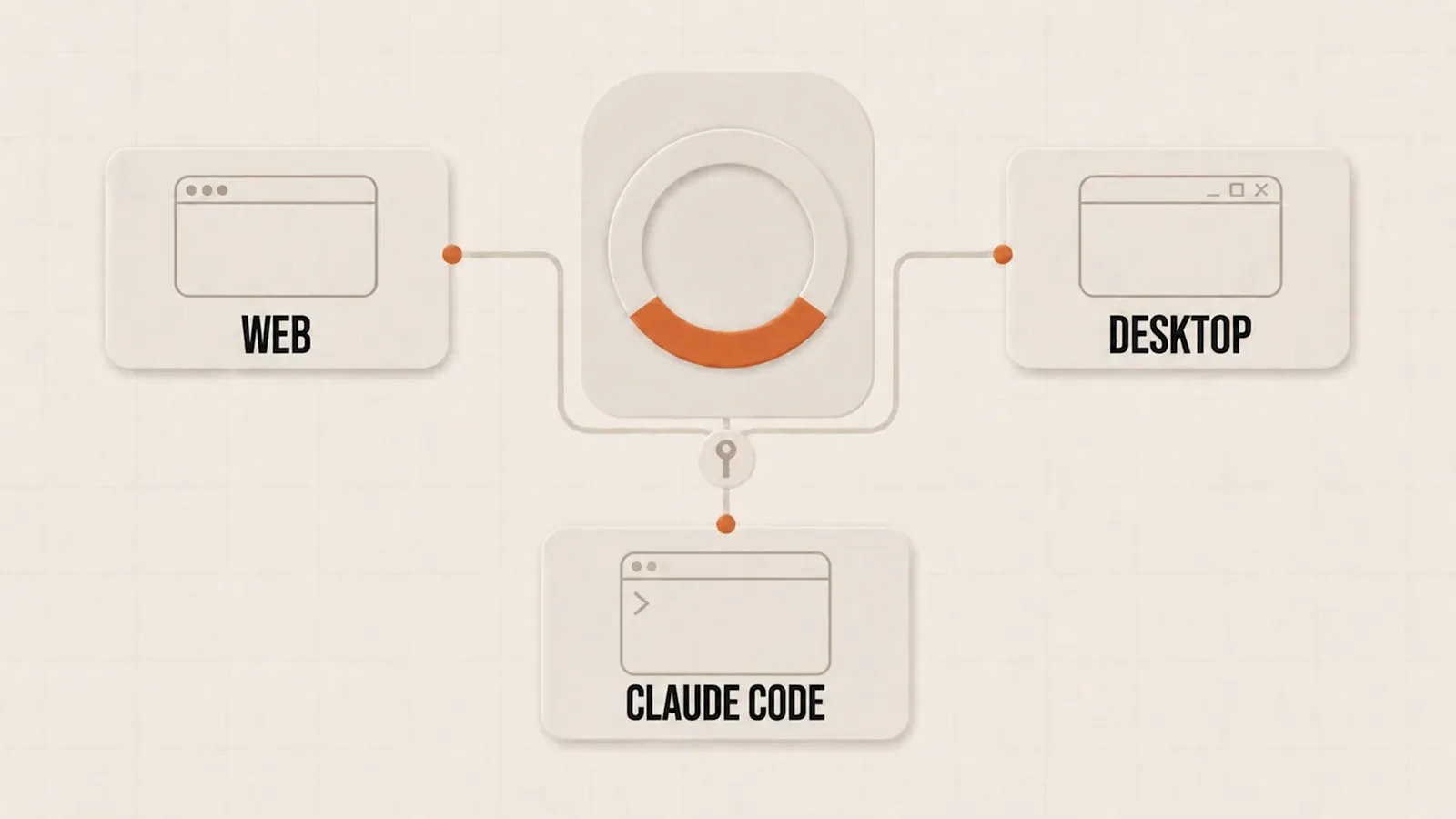
Web, desktop and Claude Code wired to one shared ring.Watch at 0:44 - 6
Find your assigned weekly reset time
The weekly limit doesn't reset for everyone at midnight. Your account is assigned a fixed day and time, and it stays there week after week — support describes it as your usual day and time. Check it under Settings → Usage on claude.ai, then plan the heavy builds for right after your personal reset rather than the hours before it.

The weekly reset is pinned to your account, not the calendar.Watch at 0:31 - 7
Read the wall when you hit it
When the allowance runs dry, Claude Code shows a message in the "Limit reached ∙ resets <time>" family — official docs quote variants like "You've hit your session limit" and "You've hit your weekly limit", each paired with the moment it lifts. From v2.1.234 you can also let Claude Code wait and continue automatically (autoContinueAtUsageLimit). Don't hammer retries; the clock, not luck, refills the budget.
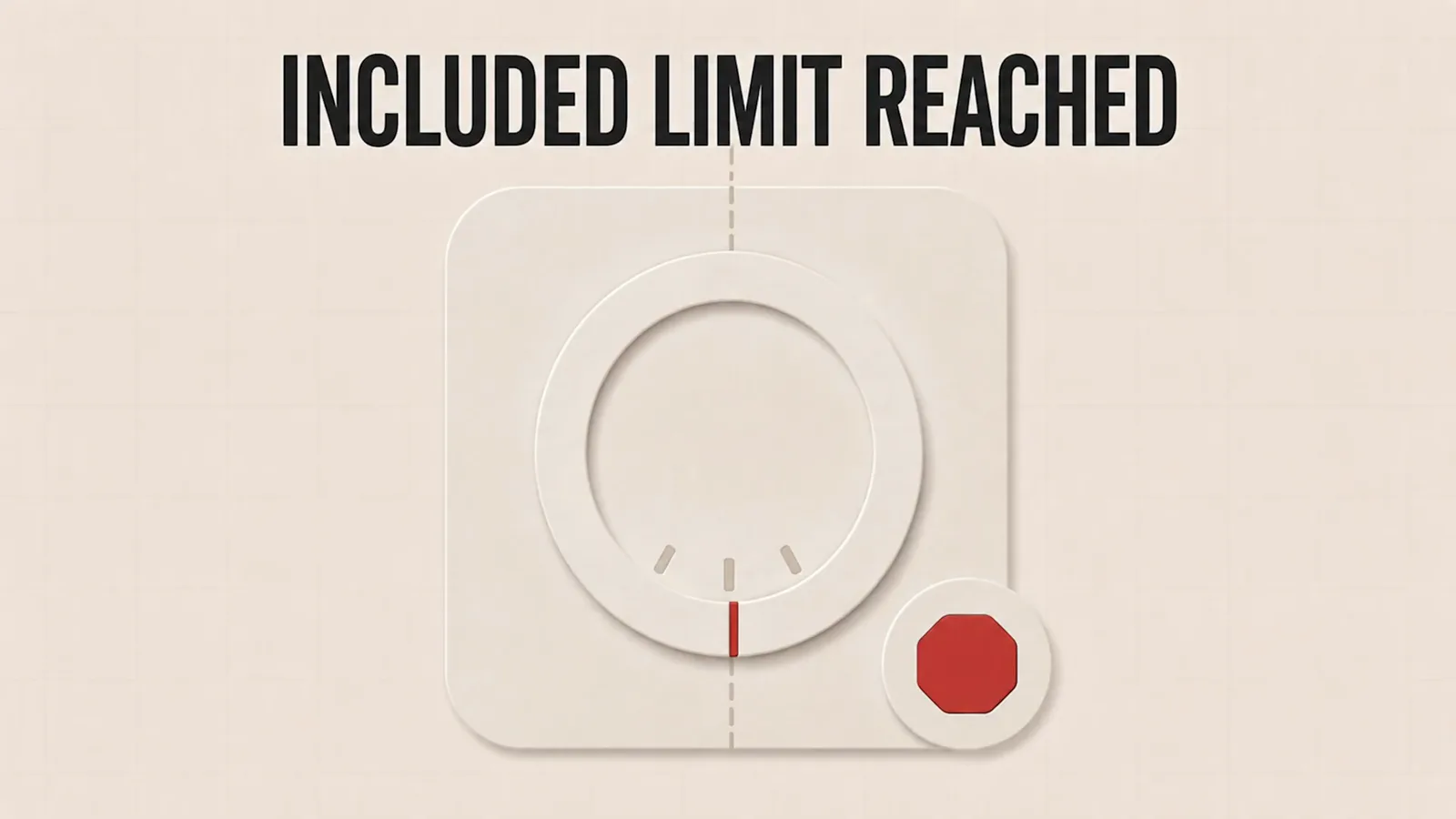
The included allowance is spent — the dial stops at the mark.Watch at 1:03
Stretch every allowance
- 8
Compact instead of crashing
/compact summarizes the conversation and keeps going on a fraction of the tokens, and Claude Code also auto-compacts as you approach the window's edge. Run /compact deliberately at a milestone — right after a green test suite, say — so the summary keeps what matters and drops the noise you no longer need.

The /compact chapter: summarize, then keep working.Watch at 3:34 - 9
Know the two auto-compact numbers
Community teardowns of the docs and the code surfaced two figures: about 95% as the documented compaction point, and a clamp around 83% that silently caps any override — you can set the trigger lower, but not above it. Practical takeaway: treat the last fifth of your window as a runway, and compact on purpose before the tool does it for you.
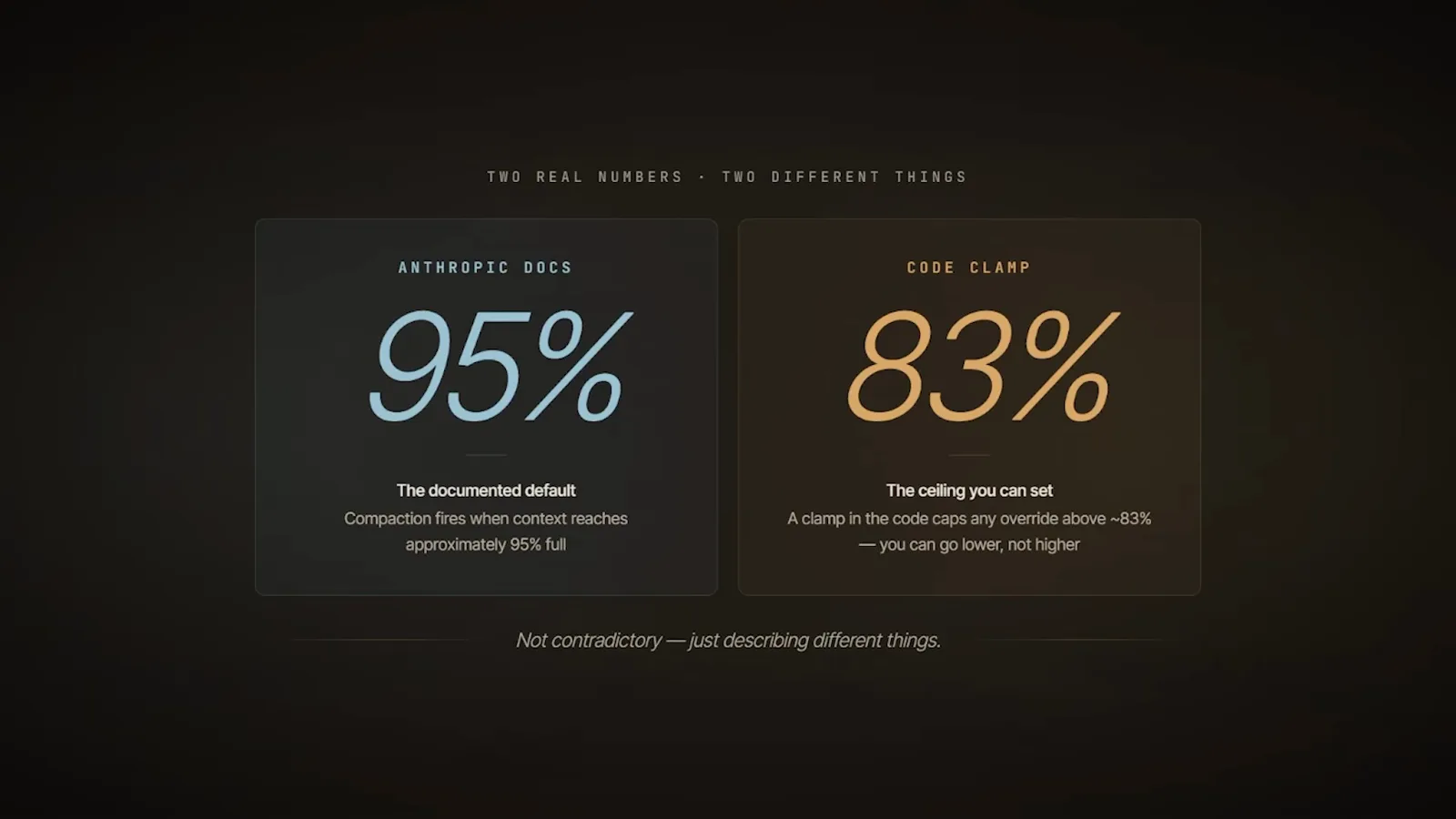
95% documented vs. 83% clamp — not a contradiction.Watch at 11:43 - 10
Turn effort down for routine work
Effort level is an official part of the usage math: higher effort spends more tokens per task and reaches the limits faster. Reserve deep-reasoning effort for the gnarly problems and run routine edits, lookups and formatting at a lower setting — the budget lasts visibly longer, with no quality cliff on easy work.
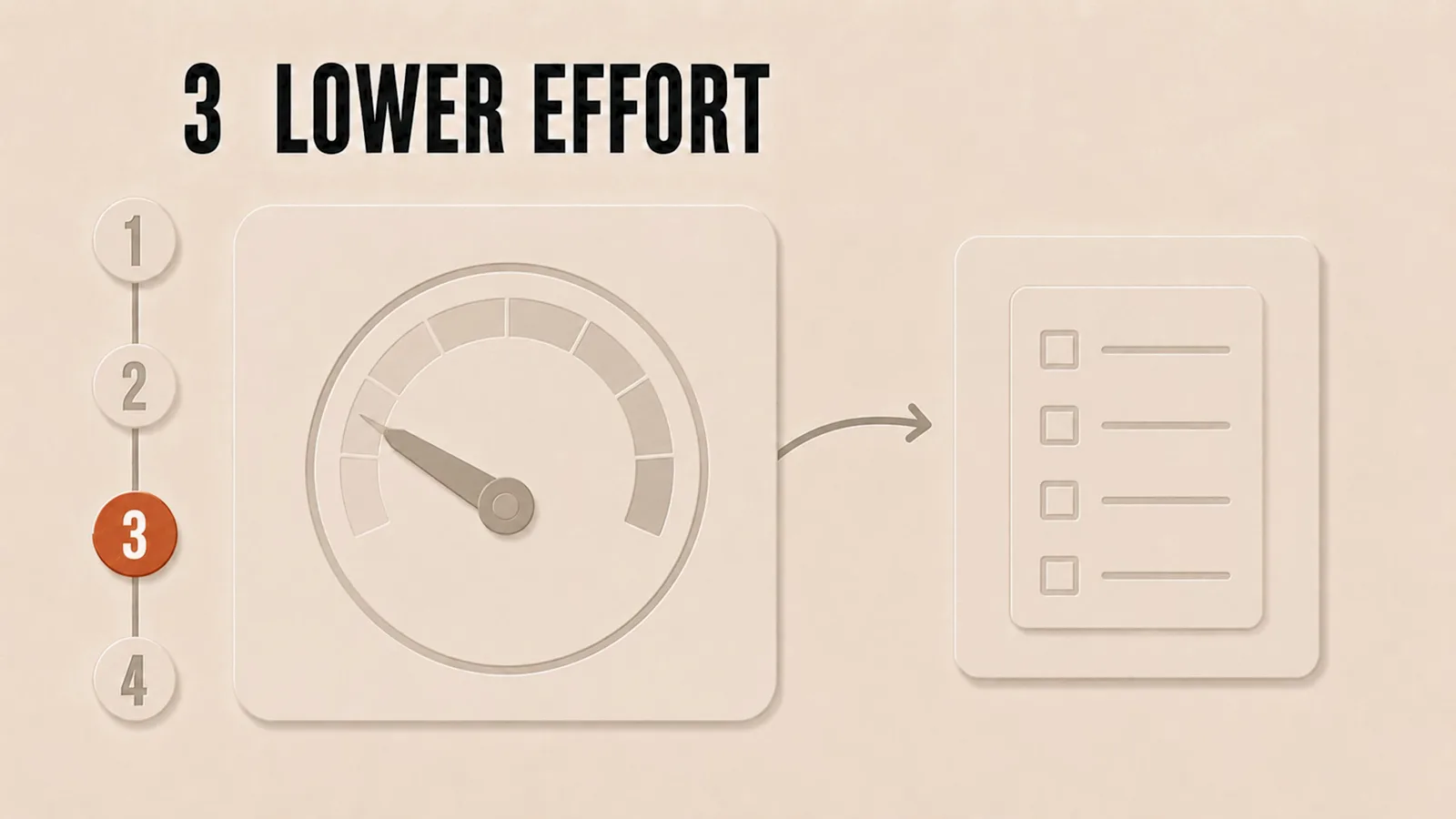
Lower effort setting, longer effective budget.Watch at 1:31 - 11
Fall back to a cheaper endpoint
Claude Code is a harness around any Anthropic-compatible API. Point ANTHROPIC_BASE_URL and ANTHROPIC_AUTH_TOKEN at another provider — DeepSeek, OpenRouter, a Console account — and map the model slots with the ANTHROPIC_MODEL family of variables. Our Use DeepSeek in Claude Code guide walks the full setup; it's the same trick this walkthrough uses to keep coding while the plan's own quota recovers.
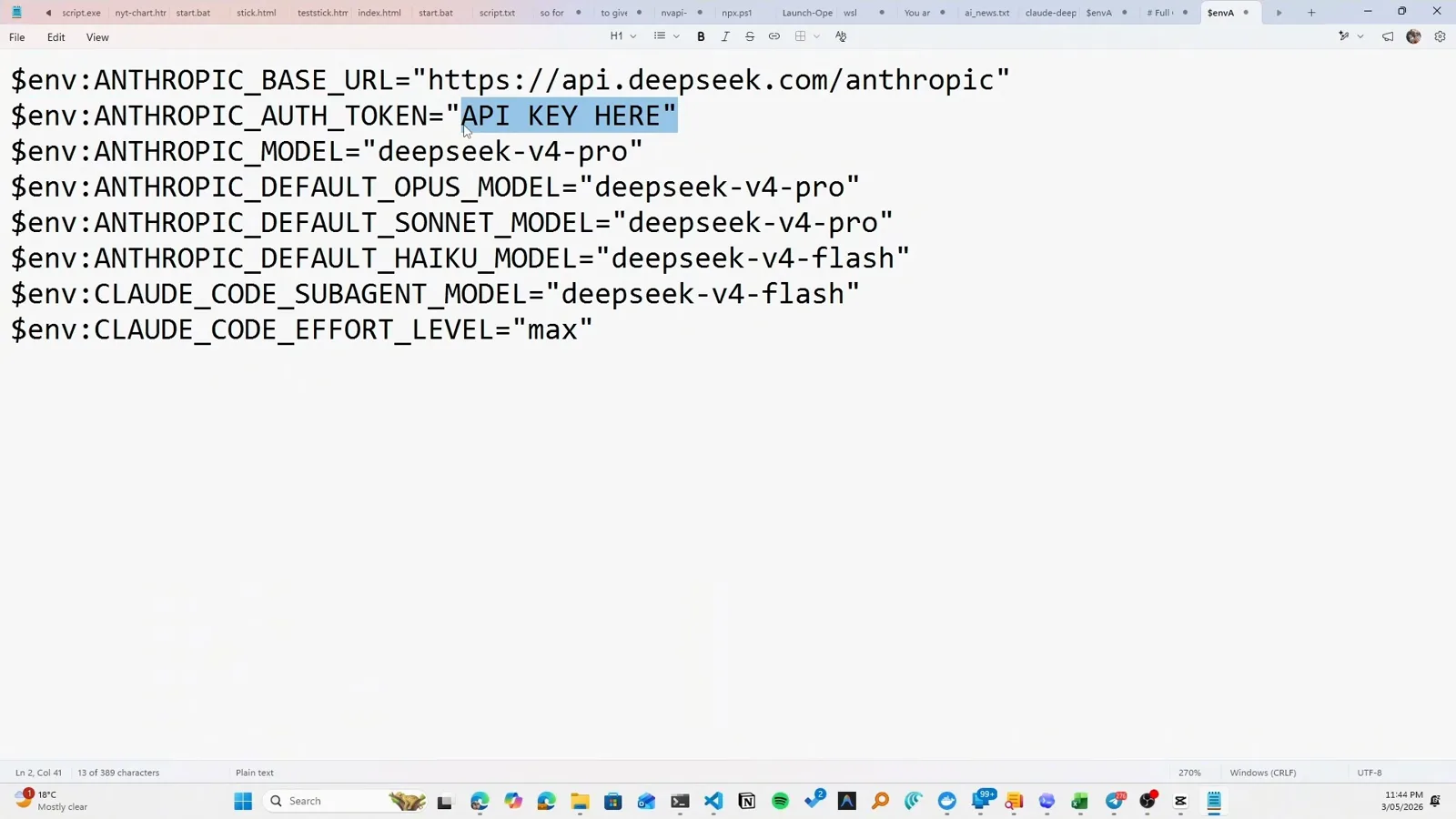
Env vars rerouting Claude Code to the DeepSeek endpoint.Watch at 1:32
Session limit vs. weekly limit vs. the 5-hour window
Most confusion comes from three ceilings that share a vocabulary. Here they are side by side, plus the two lookalikes that aren't usage limits at all.
- 1Session limit — the budget for one working burst. It lives on a rolling 5-hour window that starts with your first message and refills by itself; you don't command it to reset.
- 2Weekly limit — the ceiling across whole weeks. It runs on top of sessions, resets at your account's assigned day and time, and no command moves it.
- 3"Limit reached ∙ resets <time>" — the UI telling you which wall you hit and when it lifts. There is no session-limit reset command; the reset time shown in the message is the mechanism.
- 4Context limit — not a usage limit. A full window is a per-conversation size problem: /compact or /clear fixes it instantly and costs no allowance.
- 5Model-specific limits — hitting your Opus allowance can often be routed around with /model, but the session and weekly pools are shared across models, so switching won't refill those.
One more trap: switching surfaces doesn't switch pools. claude.ai chats, desktop sessions and Claude Code all draw the same allowance, so "I'll just ask in the web app" spends the same budget.
"Limit reached ∙ resets" — first aid and a lighter diet
The wall message isn't an error, it's a schedule. Work through this list and most limit days turn back into work days.
- 1Read the reset time and step away. Retrying in a loop does nothing; from v2.1.234 you can set autoContinueAtUsageLimit and let Claude Code resume on its own when the window refreshes.
- 2Check which wall you actually hit. If /context shows the window nearly full while usage remains, it's a context problem — /compact or /clear gets you back to work immediately.
- 3Cut the standing burn. Disconnect MCP servers you don't need this session, prune skills and CLAUDE.md bloat, and drop the effort level — baseline tokens are charged before you type a word.
- 4Need to finish anyway? Enable usage credits, upgrade the plan, or point the harness at a cheaper endpoint for the afternoon — each keeps the session alive while the plan quota recovers.
- 5If the numbers look wrong, verify before blaming a bug: check Settings → Usage on claude.ai, restart the session, and compare with /status. Still off, report it with /bug — real limit bugs exist, but most "weird" limits are context burn in disguise.
A habit beats every rescue: start fresh sessions between unrelated tasks, plan before big builds, and keep heavy reads in subagents. The related guides below — token reduction, auto compact, plan mode — cover each habit in depth.