
Claude Code Code Review: /code-review, Skills & Effort
How the built-in /code-review command works: point it at a branch or a PR, read ranked findings with proof and impact, tune effort and --max-findings, and put review on every pull request.
TL;DR
- Code review is built in — /code-review (or its alias /review) checks the commits your branch is ahead of upstream plus uncommitted changes, and runs in the background.
- Findings come back ranked — Important, Nit, Pre-existing — each with concrete proof, impact, and a fix you can apply with --fix.
- Depth is a dial: low, medium, high and max effort are remembered across sessions, ultra escalates to a cloud ultrareview, and --max-findings (v2.1.288+) caps or lifts the report.
- On GitHub, the Claude App reviews PRs on your trigger and posts inline comments; its check run always completes neutral, so merges never block.
Introducing Code Review
Channel: Anthropic · Claude0:45
Anthropic's NEW Claude Code Review Agent
Channel: Patrick Ellis29:56
Claude Code release notes — v2.1.288
Release notes: github.com/anthropics/claude-code
Review pull requests with Claude Code — official docs
Docs: code.claude.com/docs
Facts on this page are cross-checked against the official code review docs and the v2.1.288 changelog; frames come from the two videos above. Behavior described here matches Claude Code v2.1.288 (October 2026).
Screenshots are frames from Anthropic's "Introducing Code Review" and Patrick Ellis's "Anthropic's NEW Claude Code Review Agent", used with attribution and linked back to the source timestamp on every step.
Code review, step by step
Run the review
- 1
Update Claude Code and run the command
Code review is built in — no plugin to install. Update to v2.1.288 or later for the newest flags, type /code-review (the older /review spelling is now an alias), and hit enter. The review starts in the background so you can keep working.
Anthropic announced the built-in reviewer with its own title card.Watch at 0:07 - 2
Point the review at the right diff
With no arguments, /code-review reviews the commits your branch is ahead of upstream plus your uncommitted changes. Pass a file path, a PR number, a branch name, or a range like main...my-feature to target anything else.
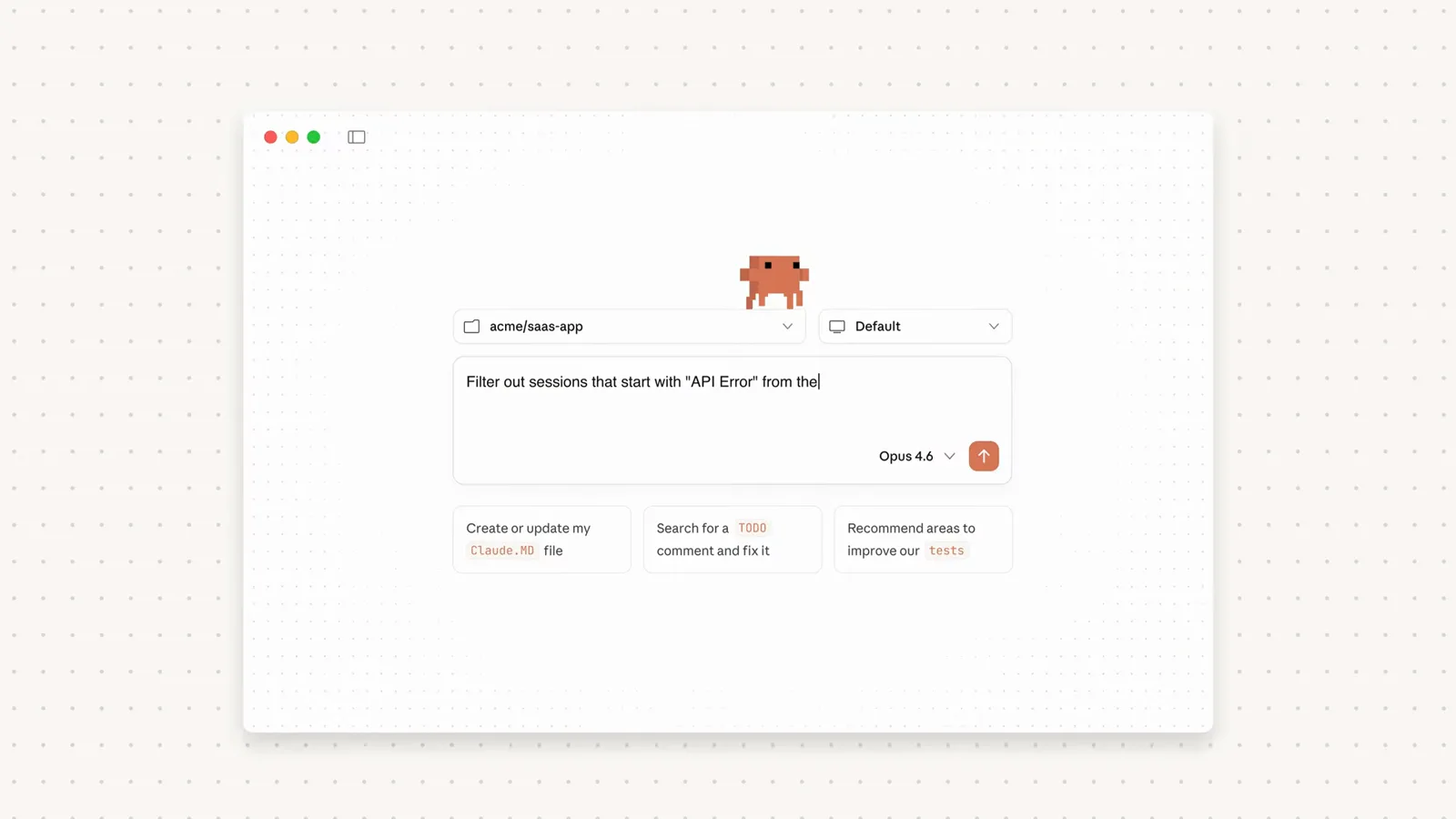
Pick the repo and describe the task before the review session starts.Watch at 0:08 - 3
Let it run in the background
The review is its own agent, so your prompt stays free while it reads the codebase. Re-run /code-review to bring an in-progress review back to the foreground, or force foreground mode with print mode or CLAUDE_CODE_DISABLE_BACKGROUND_TASKS=1.
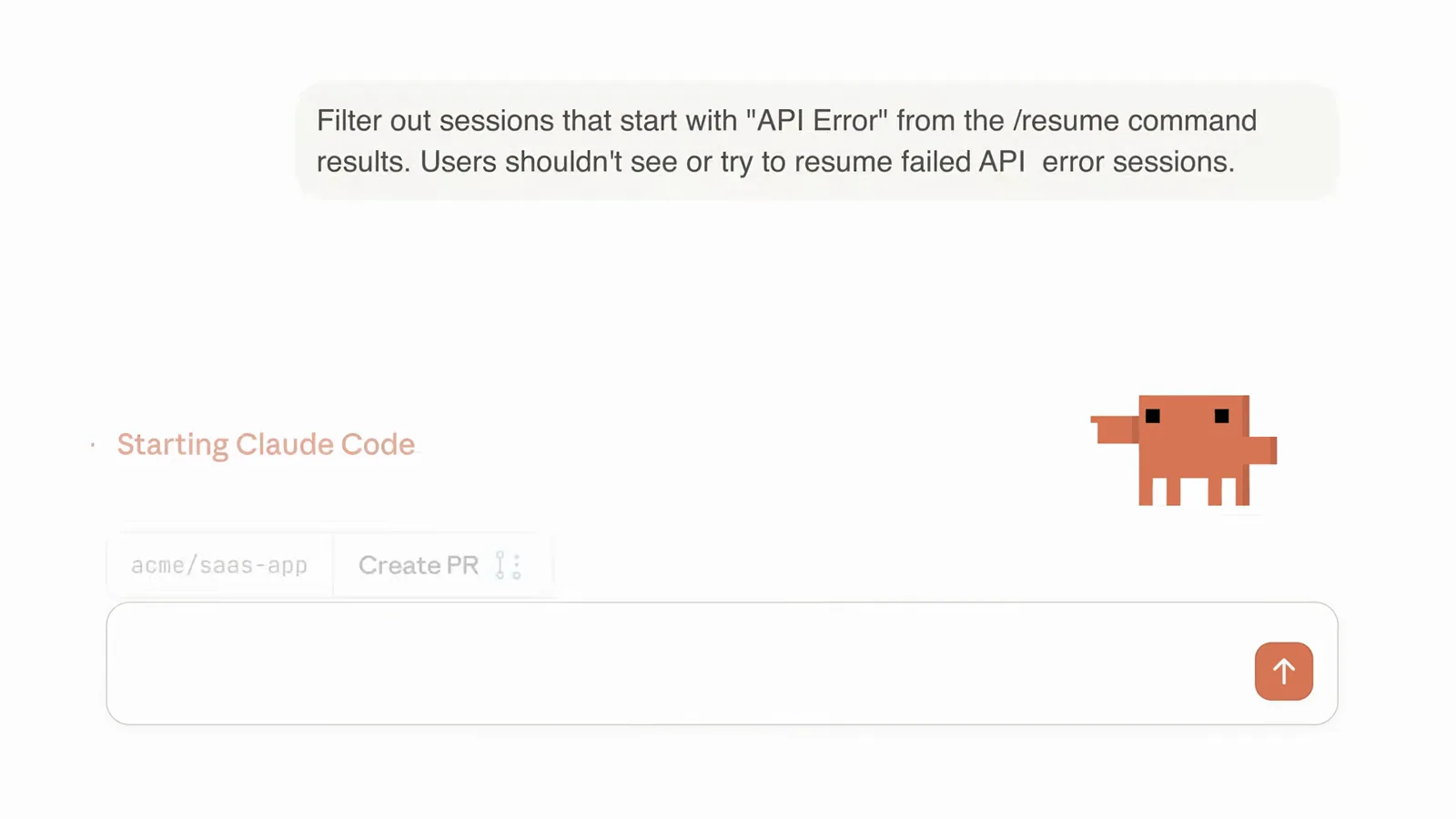
A Starting Claude Code status means the review is off and running.Watch at 0:12 - 4
Read findings ranked with proof and impact
Every finding is marked Important, Nit, or Pre-existing and shows concrete proof, impact, and a suggested fix — the official demo shows an IDOR bug rated CVSS 9.1 Critical caught on a real pull request.
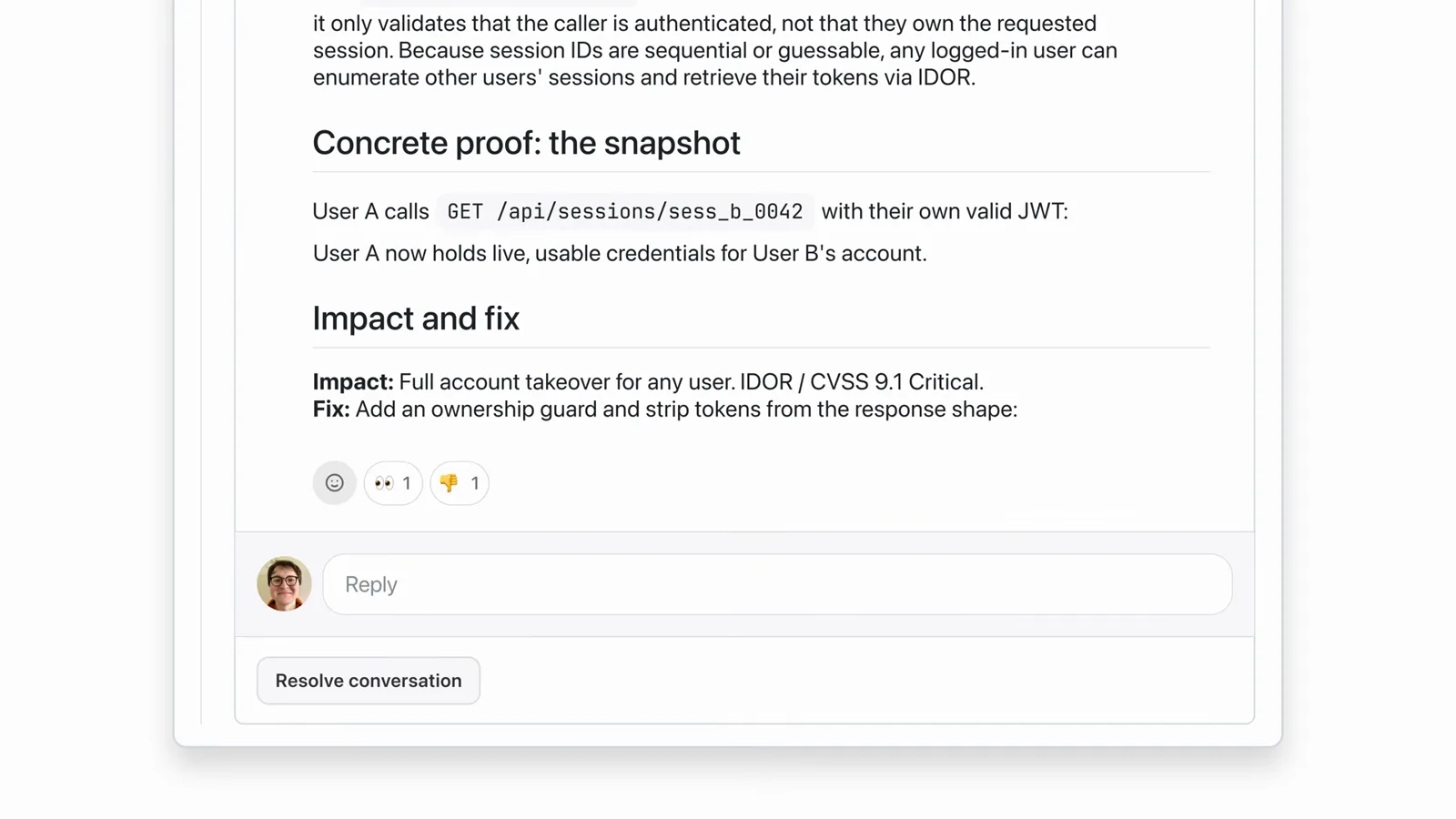
Proof, impact and the fix for one finding, exactly as the bot posts them.Watch at 0:23
Turn findings into fixes
- 5
Send findings onto the pull request
Add --comment to post each finding as an inline GitHub PR comment (GitLab MR notes work through glab on v2.1.257+). The Claude GitHub App lands findings the same way when review runs on github.com.
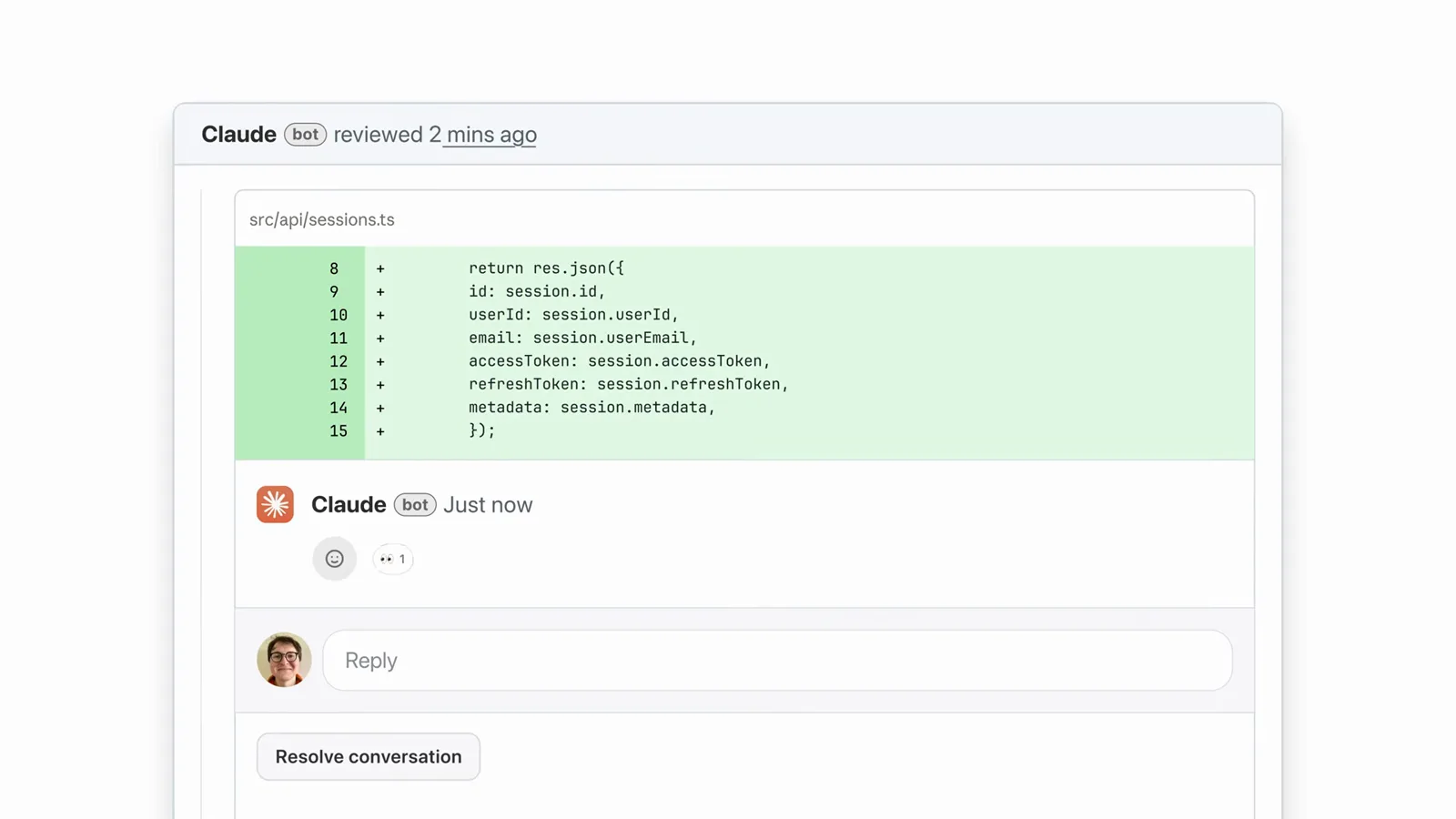
The Claude bot comments under the diff with a resolve button per thread.Watch at 0:18 - 6
Apply fixes with --fix or one paste
Run /code-review --fix and accepted findings are applied to your working tree. Or paste a suggestion back into your session — the demo edits the file and ticks the todo without any hand-holding.
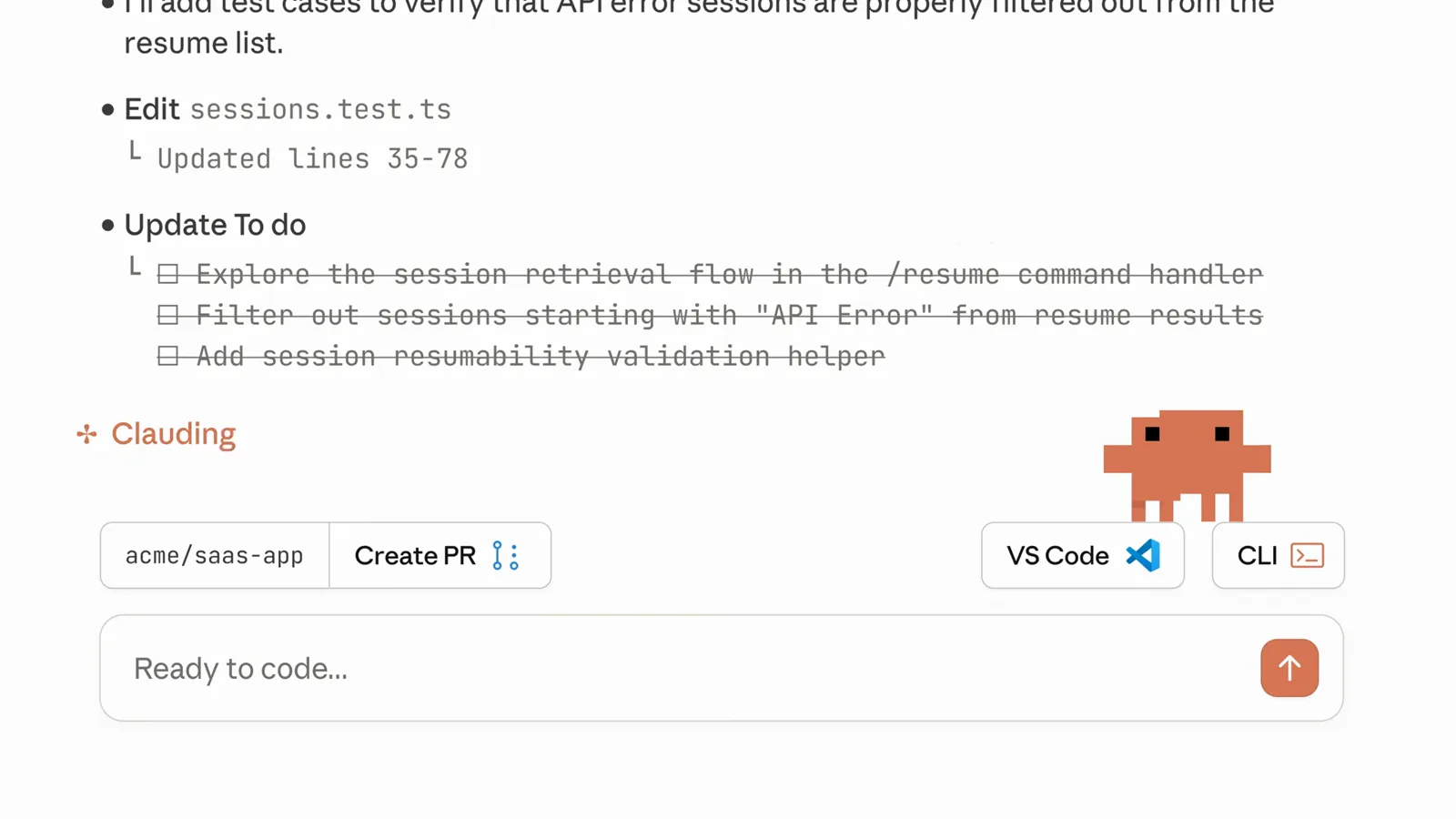
The session works the fix list todo by todo while you watch.Watch at 0:14 - 7
Re-review until the diff converges
Re-running /code-review after fixes re-checks what changed, so a second pass is cheap — re-reviews are told to converge instead of re-litigating. When every task is checked off, push and open the pull request from the same session.
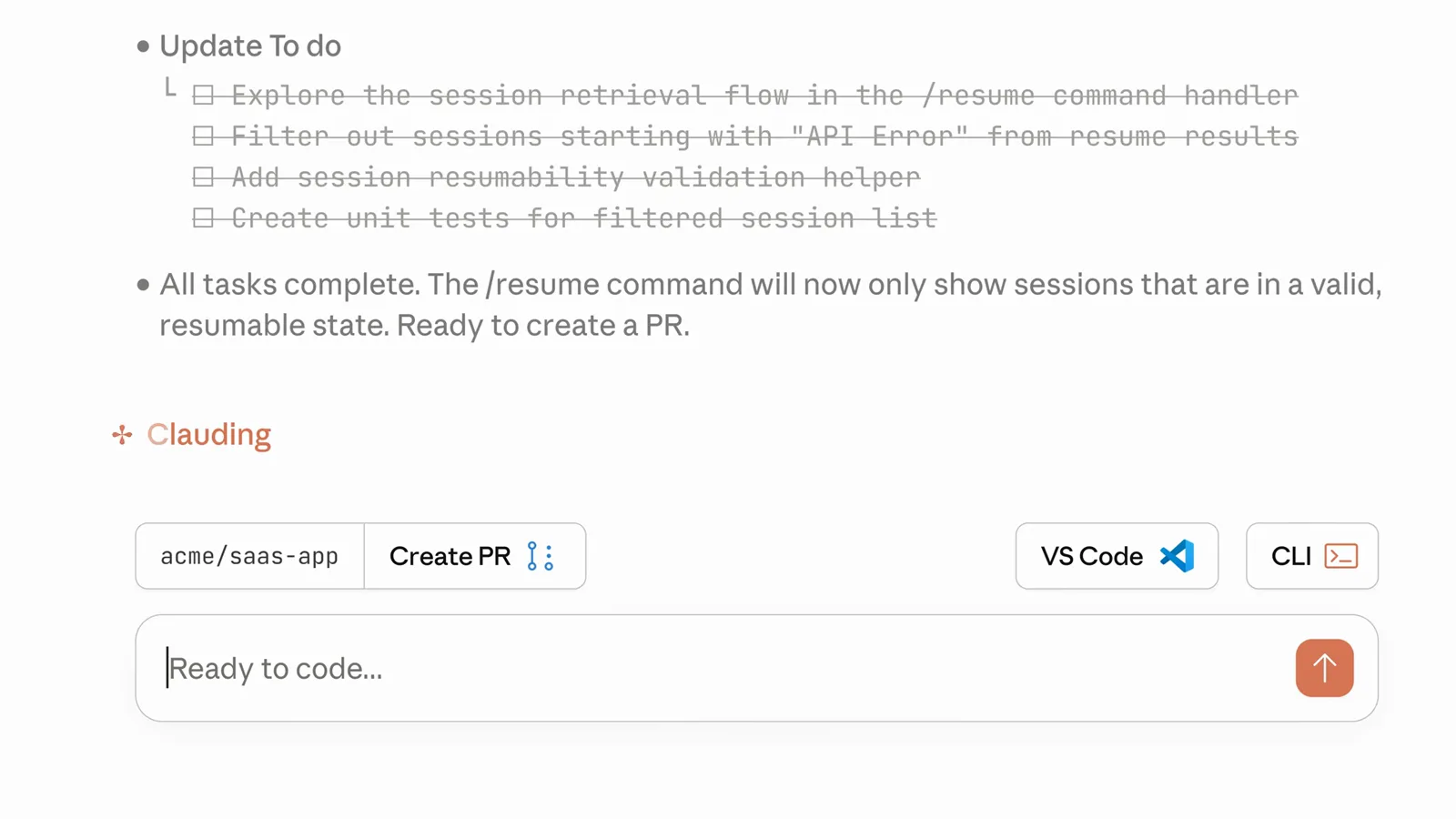
All tasks complete, and the session is ready to create the PR.Watch at 0:24 - 8
Cap or expand findings with --max-findings
New in v2.1.288: /code-review --max-findings 5 or --max-findings all overrides the usual limit, and your choice is reused on later reviews until you pass --max-findings default to restore it.
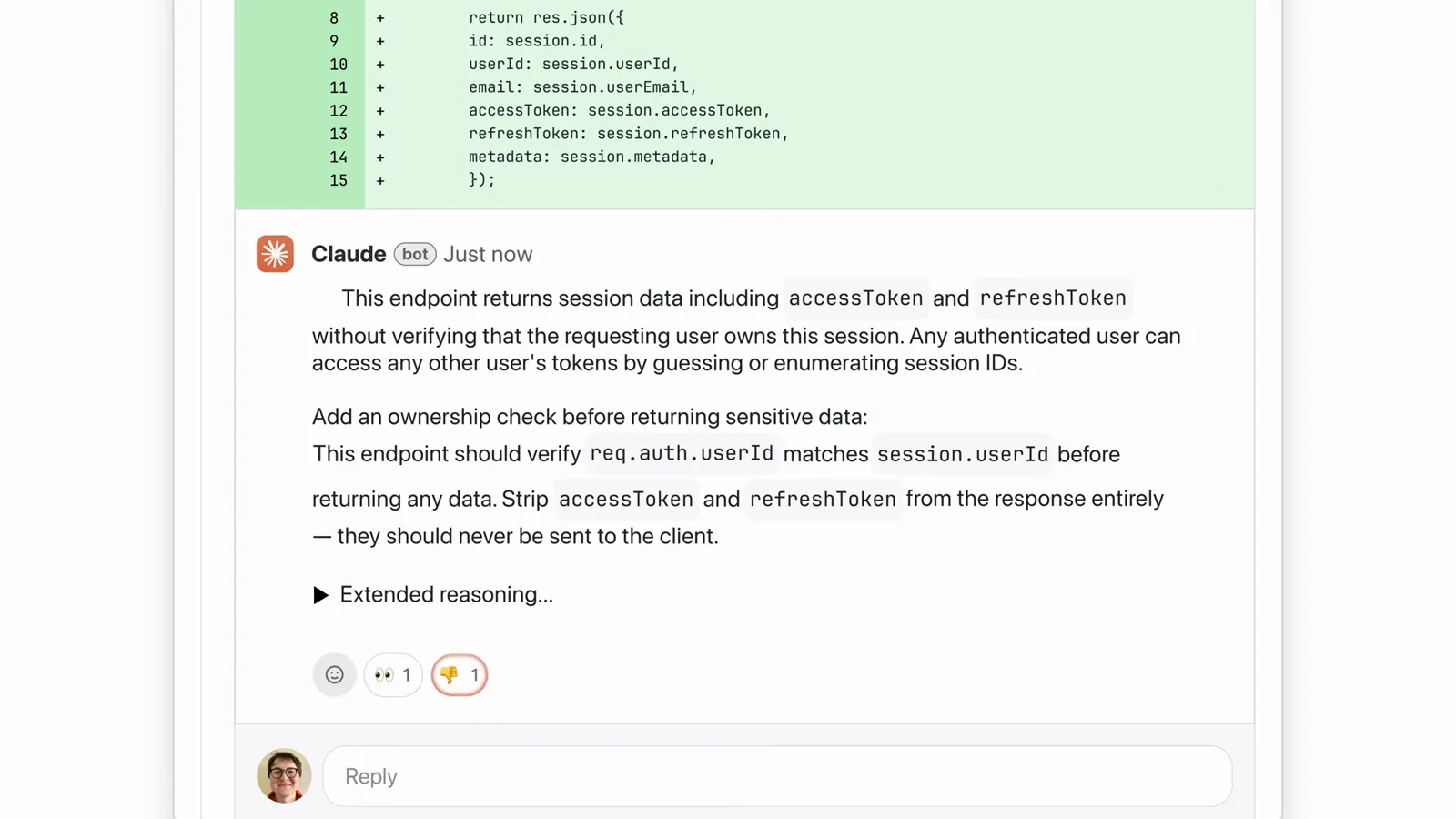
One critical finding posted with severity, proof and suggested fix.Watch at 0:20
Dial in depth, automation and rules
- 9
Turn effort up to max, or go ultra
Reviews accept low, medium, high and max effort — and remember your last pick across sessions, so type it once. /code-review ultra escalates to a cloud ultrareview; combine them with /code-review ultra --fix, or drive it from CI with claude ultrareview.
Review depth sits on a dial, right next to the model selector.Watch at 0:04 - 10
Install the Claude GitHub App for every PR
An Owner can enable Code Review in admin settings, which installs the Claude GitHub App. Pick a trigger per repo — once after PR creation, after every push, or manual — then comment @claude review on any open PR.
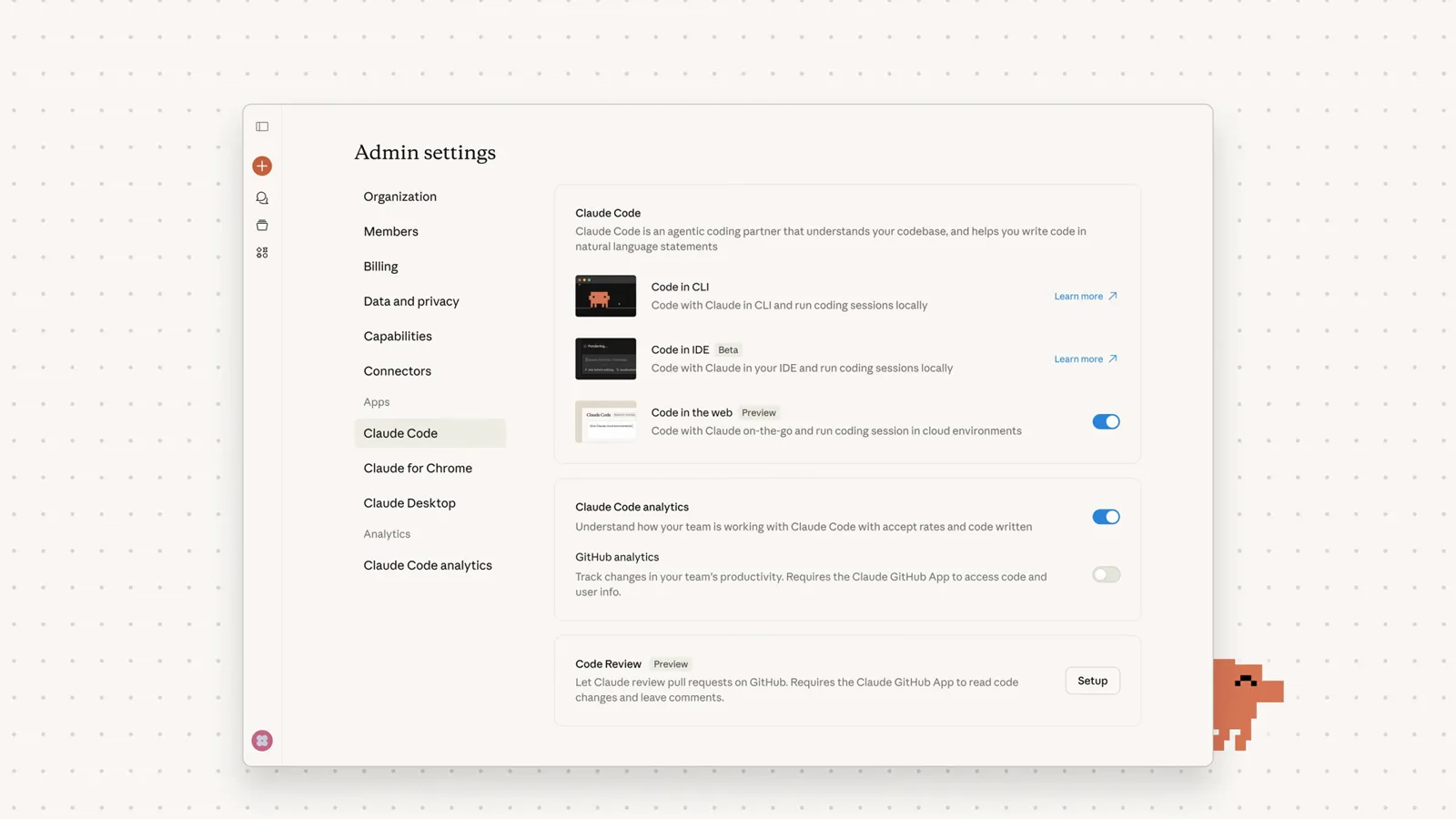
One Setup click authorizes the Claude GitHub App to read code.Watch at 0:02 - 11
Teach it your house rules
Every CLAUDE.md along the path is followed and new violations get flagged as nits. The hosted review also reads a repo-root REVIEW.md — severity redefinitions, nit caps, skip rules, verification bar — and skillOverrides can restrict the skill to user-invoked runs.
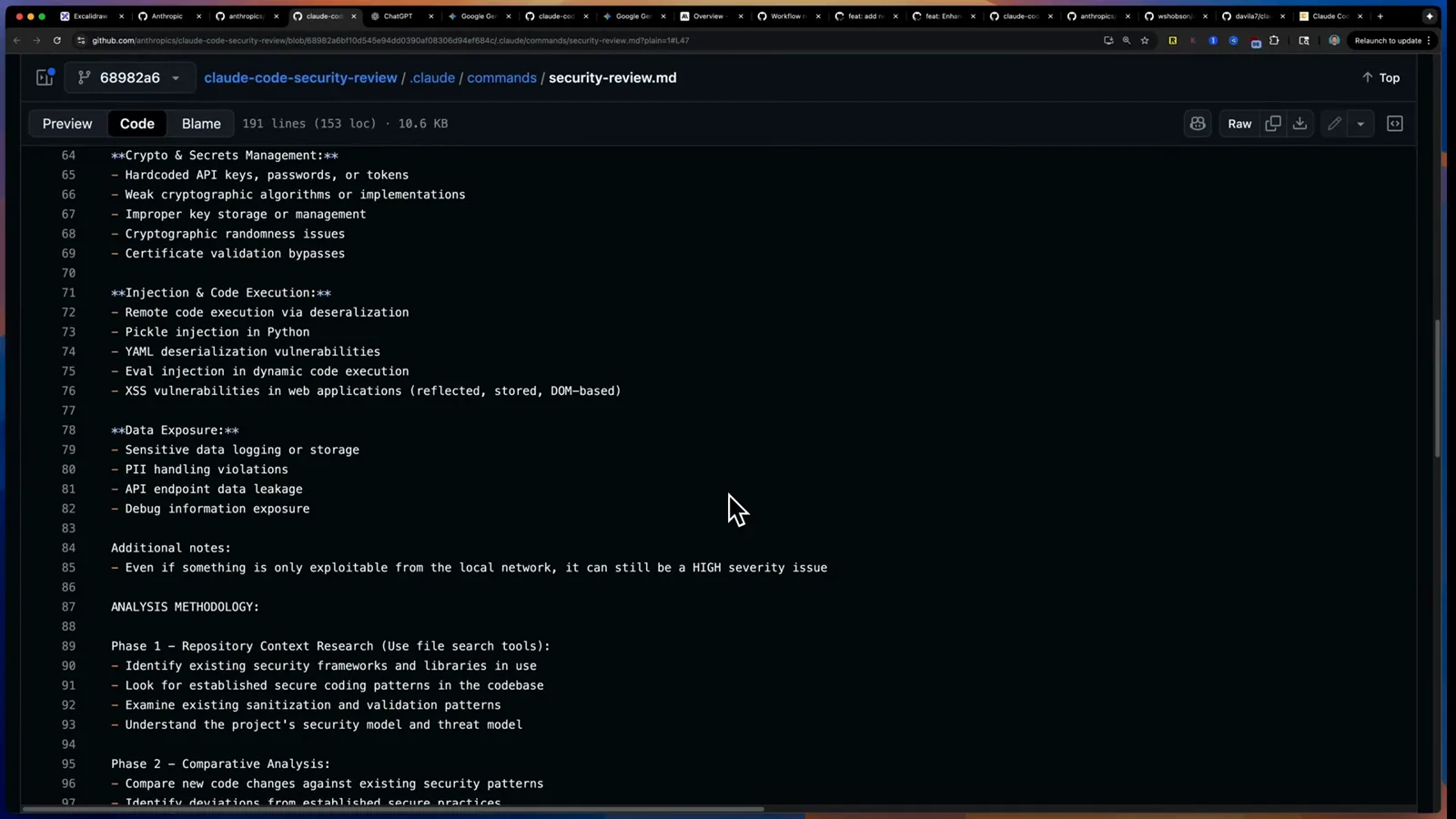
A security review rubric in markdown, straight from Anthropic's repo.Watch at 18:30
/code-review vs /review vs /security-review vs /simplify vs ultra
Claude Code ships a small family of review commands, and they are easy to mix up. Here is when each one is the right answer.
- 1/code-review — the default bug hunt. It reviews branch commits ahead of upstream plus uncommitted changes, ranks findings by severity, and runs in the background while you keep working.
- 2/review — the same command. Since v2.1.223 /review is an alias of /code-review; before that it was a separate, single-pass, read-only PR review, which is why old tutorials describe it differently.
- 3/security-review — the security-focused pass built from Anthropic's open-source playbook. It hunts vulnerabilities only — in Patrick Ellis's demo it caught a planted fake API key — and ships with Claude Code itself.
- 4/simplify — cleanup, not bug hunting. It applies straightforward refactors and formatting without judging correctness. If you scripted the old /simplify to find bugs, point that script at /code-review --fix instead.
- 5ultra — the cloud escalation. /code-review ultra sends the whole branch diff against the default branch to a deeper cloud review; chain it with --fix to apply results locally, or run claude ultrareview from CI.
A practical split: /code-review is your inner-loop default while coding, /security-review earns its keep on auth, payments and anything token-shaped, and ultra is for the risky migrations you would otherwise ask a colleague to double-check. Purely stylistic cleanup is /simplify's job — not a review at all.
Code review silent, chatty or missing on GitHub? First aid
Most code review problems have a one-line fix. Work down this list before touching your settings.
- 1"Unknown command" or behavior that matches old tutorials — update Claude Code. --max-findings needs v2.1.288+, the /review alias landed with v2.1.223, and --comment on GitLab MRs needs v2.1.257+.
- 2The review finished but "found nothing" — the default findings cap keeps reports short. Re-run with --max-findings all to lift it, and scan for the Nit and Pre-existing markers instead of waiting for a Critical.
- 3It vanished into the background — that is by design. Re-run /code-review to reattach to the in-progress review, or set CLAUDE_CODE_DISABLE_BACKGROUND_TASKS=1 if you always want it in the foreground.
- 4Your rules seem ignored — the local /code-review follows CLAUDE.md but never reads REVIEW.md, which belongs to the hosted GitHub review. Put repo-specific checklists in REVIEW.md and personal or project style in CLAUDE.md.
- 5Pull requests get no review on GitHub — check the repo trigger (once after PR creation, every push, manual), confirm the commenter has write access or higher, and remember fork PRs are only reviewed after an explicit @claude review comment.
One more gotcha: the check run is always named Claude Code Review and always completes with a neutral conclusion, so branch protection will never block a merge on it. Want gating? Parse the bughunter-severity summary line from the check run in your own CI job and fail the build on Important findings.