
Claude Code Checkpoints: How to Rewind Code & Conversation
Every Claude Code prompt is a checkpoint you can restore. Learn /rewind and double-Esc, the three restore options, what checkpoints capture (and what they can't), retention limits, and how they complement git — verified against the official docs.
TL;DR
- Checkpoints are automatic: every prompt that starts a turn snapshots your code first, so there is nothing to set up — you just need to know how to rewind.
- Run /rewind (or press Esc twice with an empty prompt) to get a menu of restore points, each offering: restore code and conversation, restore conversation only, or restore code only.
- Rewind is session-level recovery, not version control: Bash-side effects (rm, mv, cp), most subagent edits and your own manual edits are not captured. Keep committing to git.
- Claude Code keeps the 100 most recent checkpoints of a session for about 30 days (tune with cleanupPeriodDays), and checkpoints survive /resume so you can rewind yesterday's session today.
12 Claude Code Features Every Engineer Should Know: Subagents, CLAUDE.md, Checkpoints, MCP, and more
Channel: ByteByteAI7:30
Claude Code Checkpoints Are Here (First Look)
Channel: Build at Scale8:16
Checkpointing — official documentation
Official docs: code.claude.com/docs
Every restore option, limit and retention number on this page is verified against the official checkpointing documentation; the videos above are the visual and fact sources.
Screenshots are attributed to their creators with deep links to the exact timestamps. No face-cam frames are used.
Rewind with Claude Code checkpoints, step by step
Part 1 — What gets captured
- 1
Know what a checkpoint is
A checkpoint is an automatic snapshot of your code's state taken before each prompt that starts a new turn. It exists so that a bad refactor, an over-eager edit, or a wrong direction is one command away from being undone — no stashing, no committing, no ceremony.
The checkpoints pitch: snapshot before every edit, rewind code and conversation whenever an experiment goes sideways.Watch at 2:15 - 2
Every turn-starting prompt creates one
You don't create checkpoints manually — each prompt that starts Claude working snapshots the files it's about to touch. A long session builds a chain of restore points, one per prompt, like automatic save states for your repo.
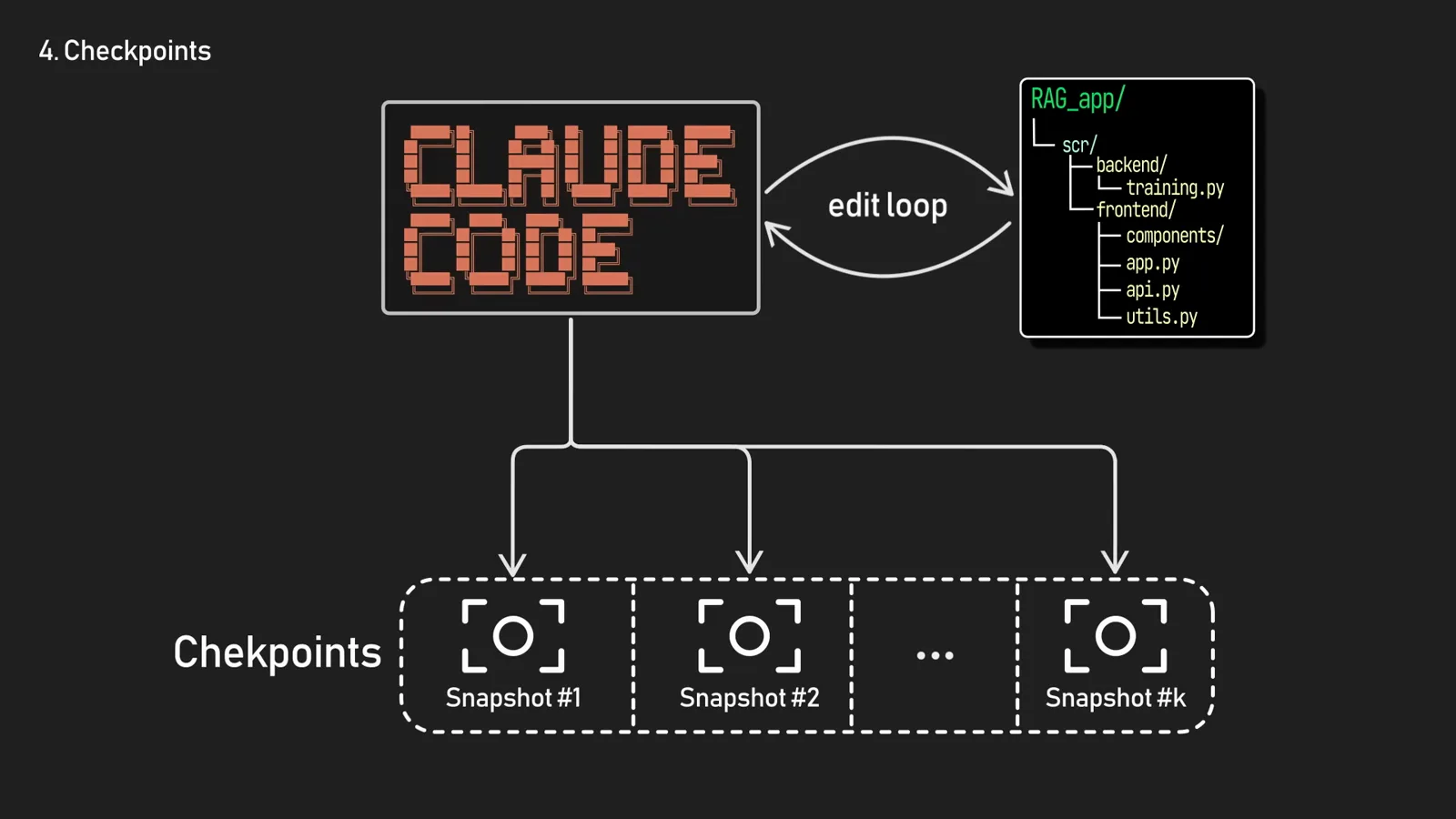
The edit loop: Claude edits, a snapshot lands in the checkpoint chain, and the next prompt starts a fresh cycle.Watch at 2:33 - 3
Open the rewind menu with /rewind
Type /rewind at the prompt to list the checkpoints of the current session. The keyboard route is even faster: press Esc twice with an empty input box. (If the input has text, double-Esc just clears it — press Up to recall what you typed.)
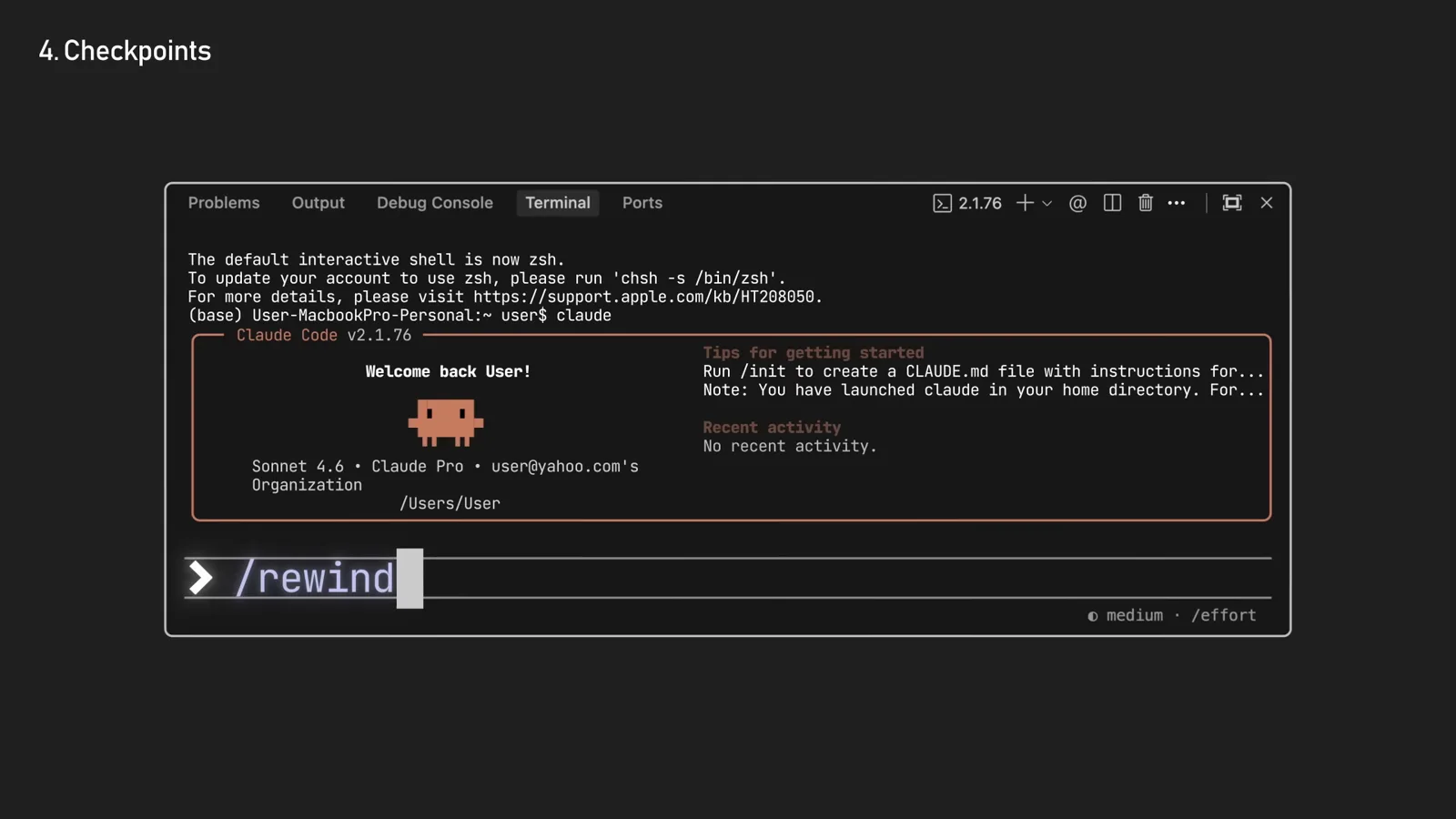
Typing /rewind at the Claude Code prompt — the checkpoint list opens right in the session.Watch at 2:40 - 4
Pick your restore point
The menu lists each checkpoint with the prompt that created it — "restore the code and/or conversation to the point before…". Navigate to the moment things went wrong, press Enter, and choose what to restore.
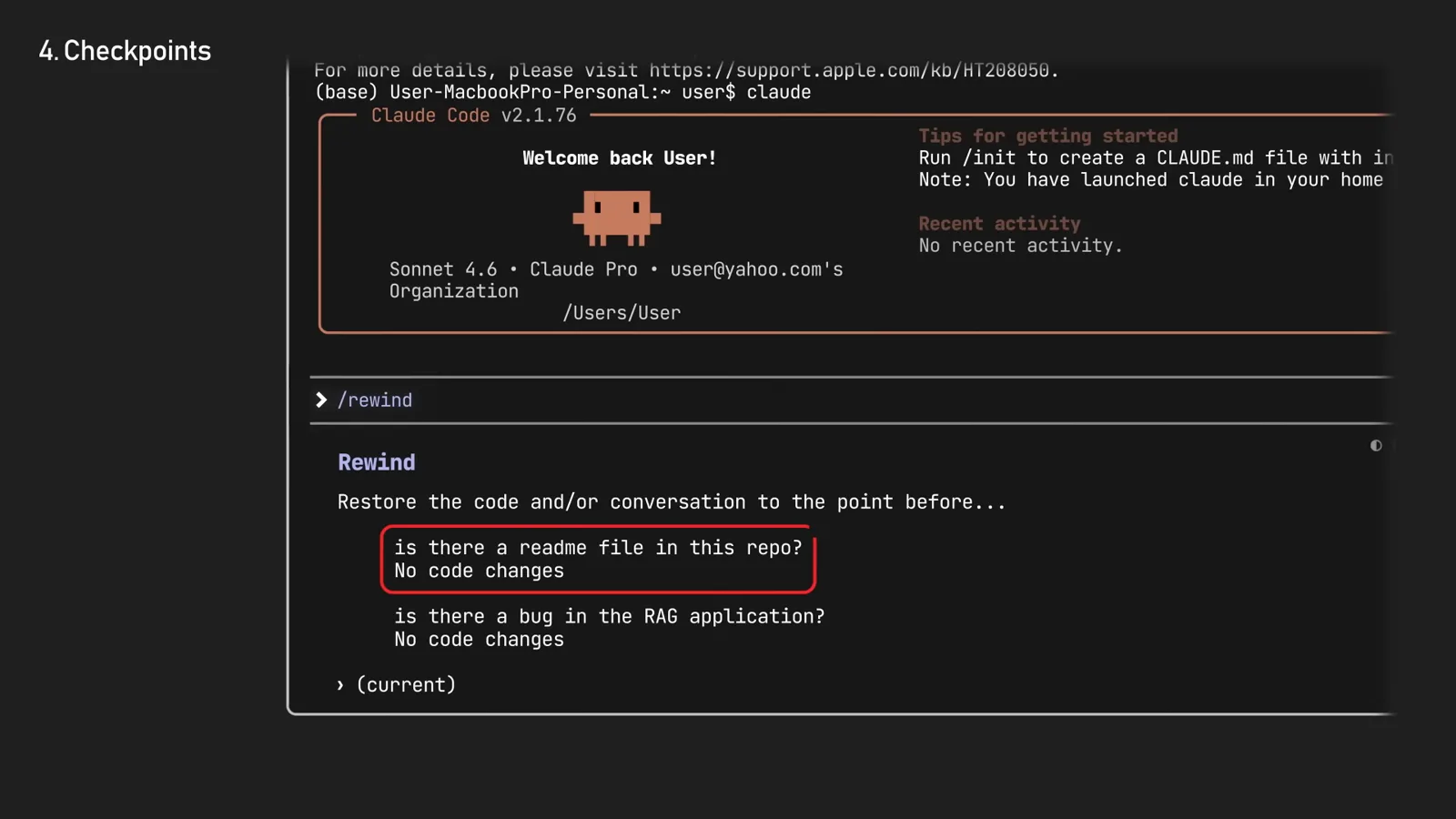
The restore menu: pick the prompt before the mistake — the red-highlighted entries are earlier questions in this session.Watch at 2:45
Part 2 — The rewind menu
- 5
Restore code and conversation together
The full rewind: files go back to their snapshot state and the conversation forks back to that point. Use it when the whole direction was wrong — the code and Claude's memory of the task both reset.
- 6
Restore code only — keep the conversation
Restoring just the code reverts the files while the conversation stays where it is. Perfect for "the approach is right, the result is wrong": Claude remembers everything you discussed, but the broken edits are gone.
- 7
Restore conversation only — fork the chat
The third option rewinds the conversation to an earlier point and leaves your files untouched — the same forking behavior double-Esc had before checkpoints. Use it when the code is fine but the discussion went down a rabbit hole.
- 8
Summarize from here instead of rewinding
The menu also offers "Summarize from here" and "Summarize up to here" — a targeted /compact that condenses a stretch of the conversation into a summary while keeping your initial instructions. For real forks, use /branch or claude --continue --fork-session.
Part 3 — Limits and the git habit
- 9
Know what rewind cannot undo
Checkpoints track file edits Claude makes, not everything: changes made through Bash (rm, mv, cp), most subagent edits, your own manual edits and other sessions' changes are not captured. Symlinks are skipped — the restore tells you "Restored the code, but skipped N files".
- 10
Checkpoints vs git: divide the work
Checkpoints are for quick, session-level recovery: undo this prompt, try that idea again. Git is for permanent history: commit working states, branch, push. The recommended rhythm is rewind freely while exploring, commit deliberately when a change is worth keeping.
- 11
Mind the retention window
Claude Code keeps the 100 most recent checkpoints per session and sweeps old snapshots after roughly 30 days — the same cleanupPeriodDays setting that governs transcript history. Extend it in settings.json if you want /rewind and /resume to reach further back.
Checkpoints vs git vs /branch vs double-Esc vs /compact
Claude Code gives you five ways to go back — they solve different problems:
- 1Checkpoints (/rewind) — instant, automatic, session-level: undo code, conversation, or both to any prompt boundary. No setup, not permanent, not shared.
- 2Git — the real history: explicit commits you make when work is worth keeping. Checkpoints never replace it; they sit before it in the safety chain.
- 3/branch and --fork-session — start a parallel timeline from the current conversation without touching files. Use when you want to explore an alternative and keep both lines.
- 4Double-Esc — the keyboard path to the same rewind menu when the prompt is empty; with text in the box it just clears the input (history keeps it, press Up to recall).
- 5/compact and "Summarize from here" — shrink the conversation instead of moving through it: reclaim context while keeping decisions, at the cost of detail.
A simple mental model: rewind for mistakes, git for progress, fork for alternatives, summarize for space.
Rewind didn't do what you expected?
Four common checkpoint surprises and what to do about them:
- 1"No files were restored". The snapshots were swept — past the 100-checkpoint cap or the ~30-day retention. Extend cleanupPeriodDays in settings.json to keep a longer tail.
- 2"Restored the code, but skipped N files". Symlinks and hard links are skipped by design. Run /debug and check ~/.claude/debug/<session-id>.txt for the exact skipped paths, then revert those by hand.
- 3Files changed through Bash are unchanged. rm, mv and cp run in the shell, outside the snapshot system — undo those with git checkout or restore from backups.
- 4The prompt you want isn't in the list. Mid-turn queued messages don't create checkpoints — rewind to the nearest turn-starting prompt instead, and subagent edits may need a git revert.
- 5There is no /rewind command at all. Checkpoints shipped with Claude Code 2.0 — run claude update (or claude doctor) to check your version, and note that really old sessions predating the feature have no snapshots to rewind to.
Golden rule: if the change matters, commit it. Checkpoints are the airbag, git is the seatbelt — wear both.