
Antigravity Rules 教程:Rules 与 Workflows 设置完全指南(2026)
Rules 是 Antigravity 智能体在每次对话中都会遵守的常驻指令;Workflows 则是可以用斜杠命令反复调用的多步流程。本攻略跟着一段纯净录屏逐步演示——每张截图都经人工核对,每一步都链接到源视频的精确时间点。
快速答案 —— Antigravity Rules 是什么
- Rules 是常驻指令,Antigravity 在每一轮都会把它们注入智能体上下文——编码规范、约束、风格。Workflows 是保存好的清单,你输入斜杠命令时智能体按需执行。
- 两者都在 Agent 面板里创建:打开 Customization 菜单,切到 Rules 标签,点 + Global 生成全局规则,点 + Workspace 只对当前项目生效。
- + Global 规则写入 ~/.gemini/GEMINI.md(AGENTS.md 同样有效);工作区规则放在仓库内的 .agents/rules/*.md。模块化规则靠 frontmatter 触发器决定加载时机:always_on、model_decision、glob 或 manual。
- 注意预算:单个规则文件上限 24 KB;内联的全局与 always_on 规则共享约 20,000 token 预算,超限时最大的文件会被降级为路径指针,而不是盲目截断。
Antigravity Rules 与 Workflows 逐步设置
1 · 打开 Customizations 面板
- 1
启动 Antigravity,确认当前打开的是哪个项目
启动 Antigravity 后先看 Explorer 里的工作区名称。作用域很重要:只有全局规则会跟着你跨项目生效,Workspace 规则只对当前打开的项目生效——所以动笔前先决定作用域。
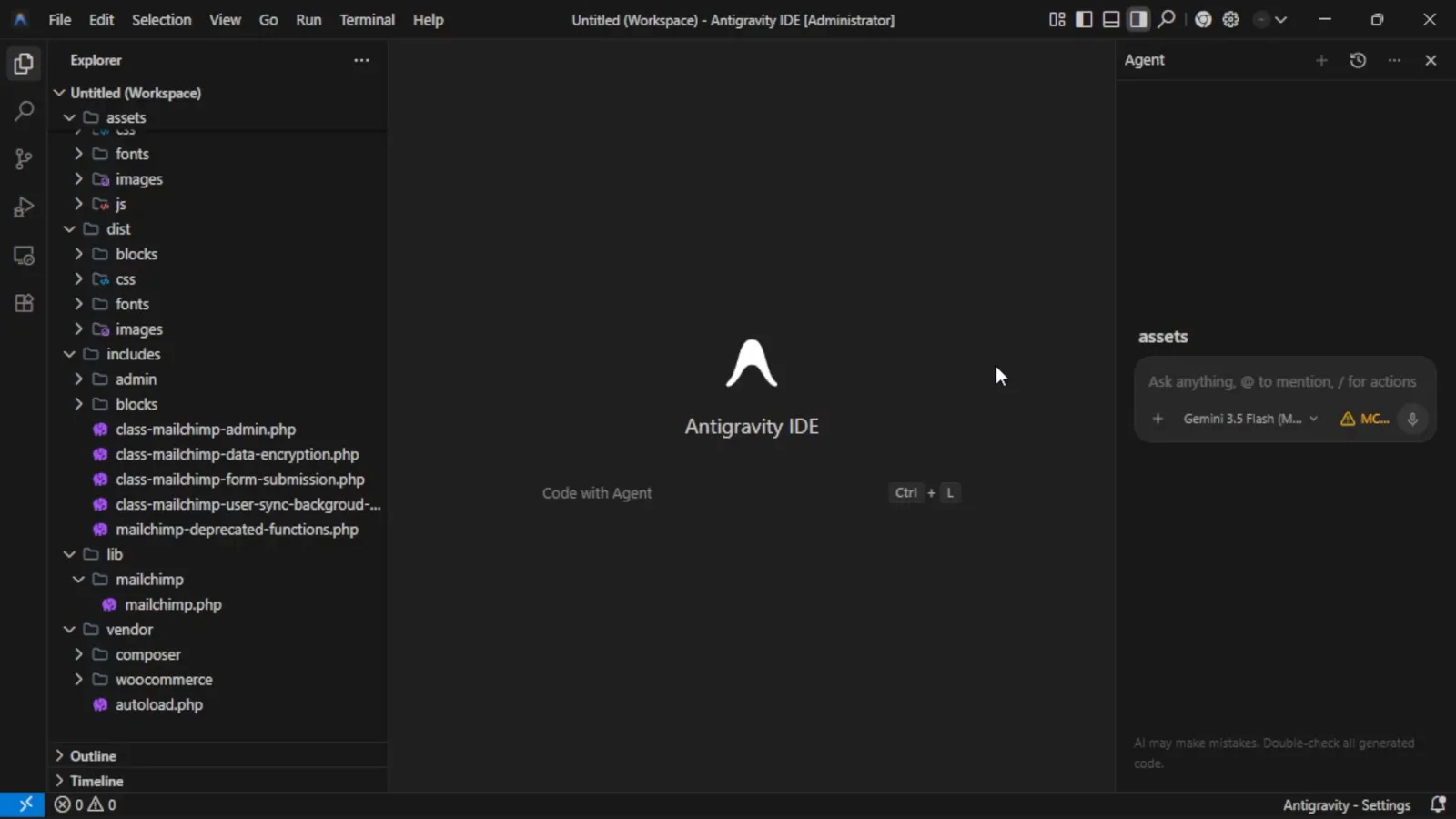
尚未做任何定制的 Antigravity IDE——先看清工作区名称再选作用域。观看 0:20 处 - 2
在 Agent 面板头部打开 Customization 菜单
在 Agent 侧边面板把鼠标移到右上角图标上,悬停出 Customization 和 MCP Servers 提示后点击。这里会打开 Customizations 面板——Antigravity 2.x 中规则与工作流的唯一入口。
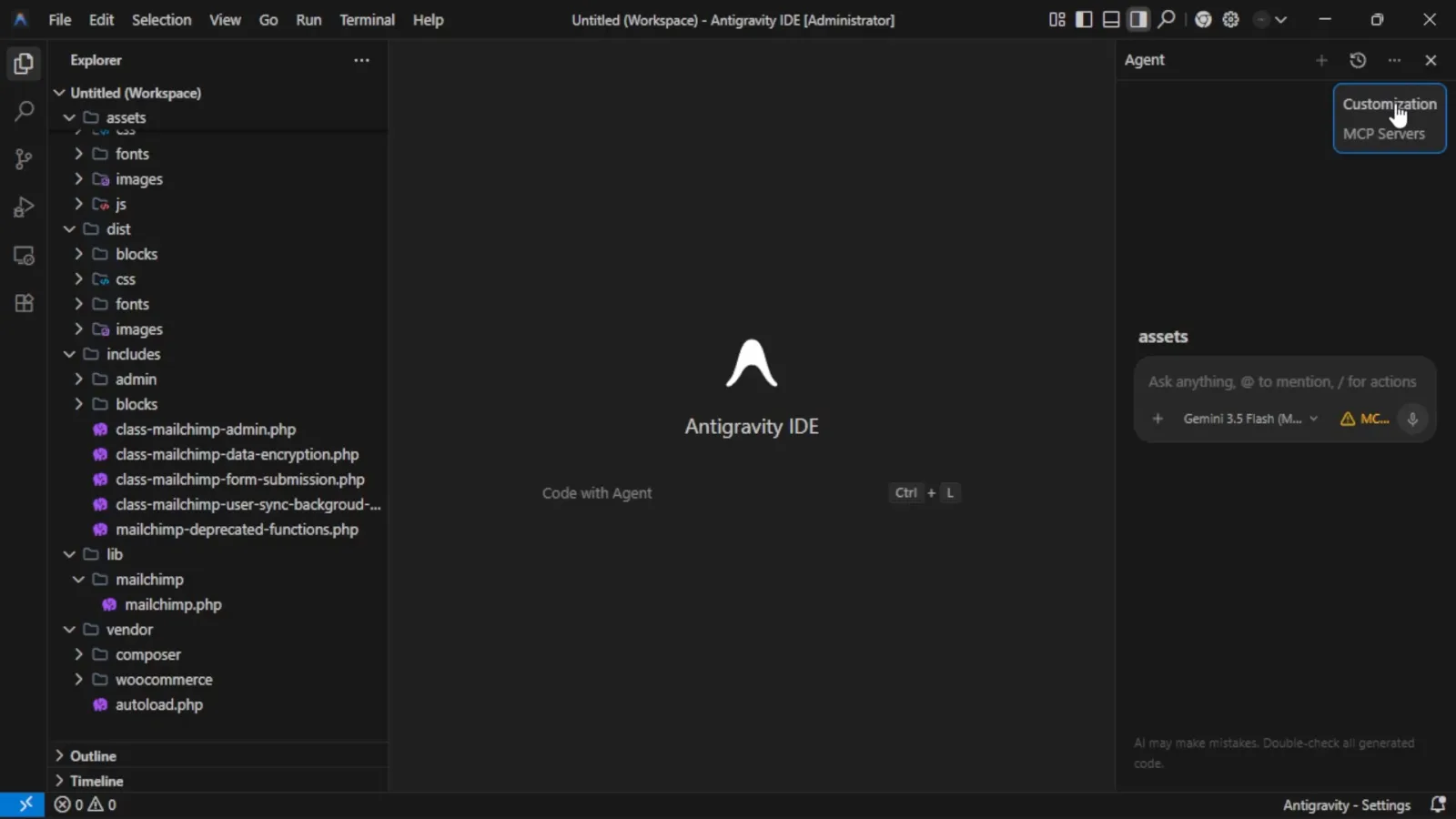
Customization 图标位于 Agent 面板头部,紧挨 MCP Servers。观看 1:30 处 - 3
切到 Rules 标签
Customizations 面板默认停在 Rules 标签,下方有两个按钮:+ Global 和 + Workspace,再往下是说明文字“Rules help guide the behavior of the Agent”。要规则在所有项目生效选 + Global,只想约束当前仓库选 + Workspace。
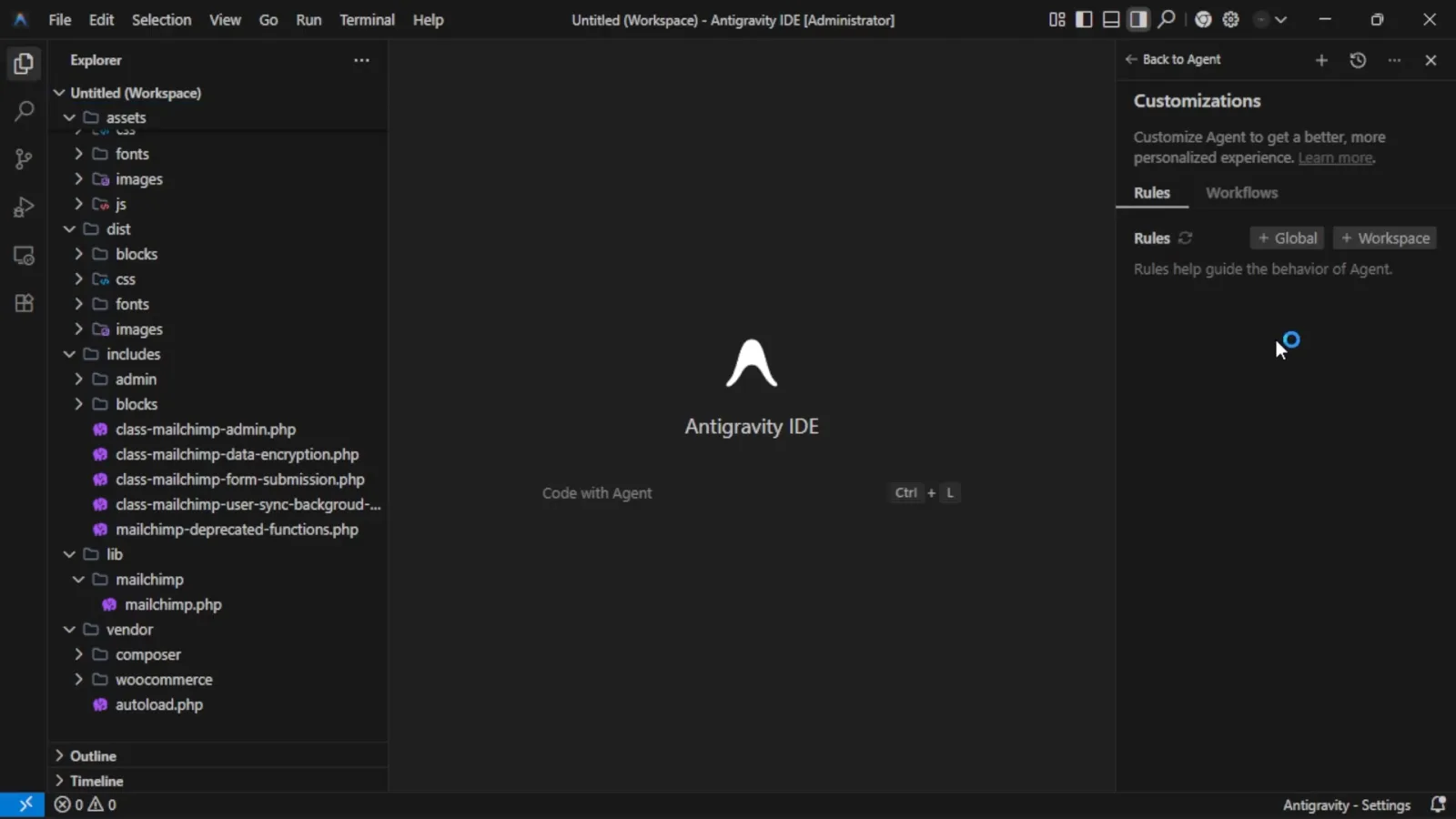
空规则列表与 + Global、+ Workspace 两个按钮。观看 1:38 处
2 · 创建第一条规则
- 4
点 + Global —— Antigravity 会帮你打开 GEMINI.md
点击 + Global 后,编辑器会打开全局规则文件并给出占位行。悬停文件名会出现 Global Antigravity IDE Rules File 卡片:全局规则会在 Agent 模式下跨所有工作区作为具体准则加载。卡片里还列了四条示例规则,可以直接借用。
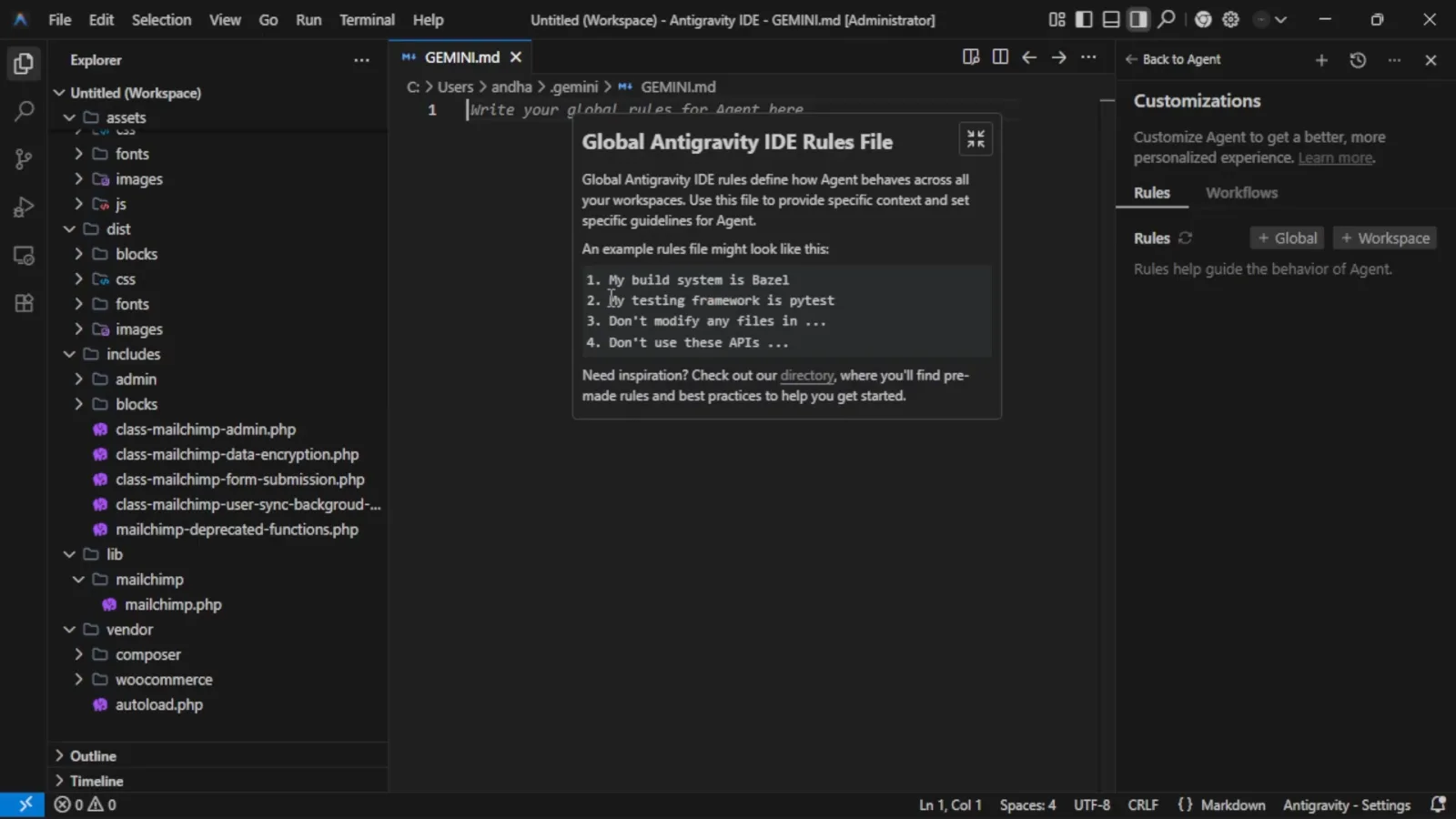
全局规则文件上的悬浮卡片说明了作用域,并给出示例规则。观看 1:53 处 - 5
编写规则——一行一条,越短越好
把占位行换成平实的指令,一行一条:My testing framework is php8、Don't use these APIs: ...、Before making changes, create these plans first。每条规则写成一个清晰的短句——含糊的长段落会被智能体忽略。
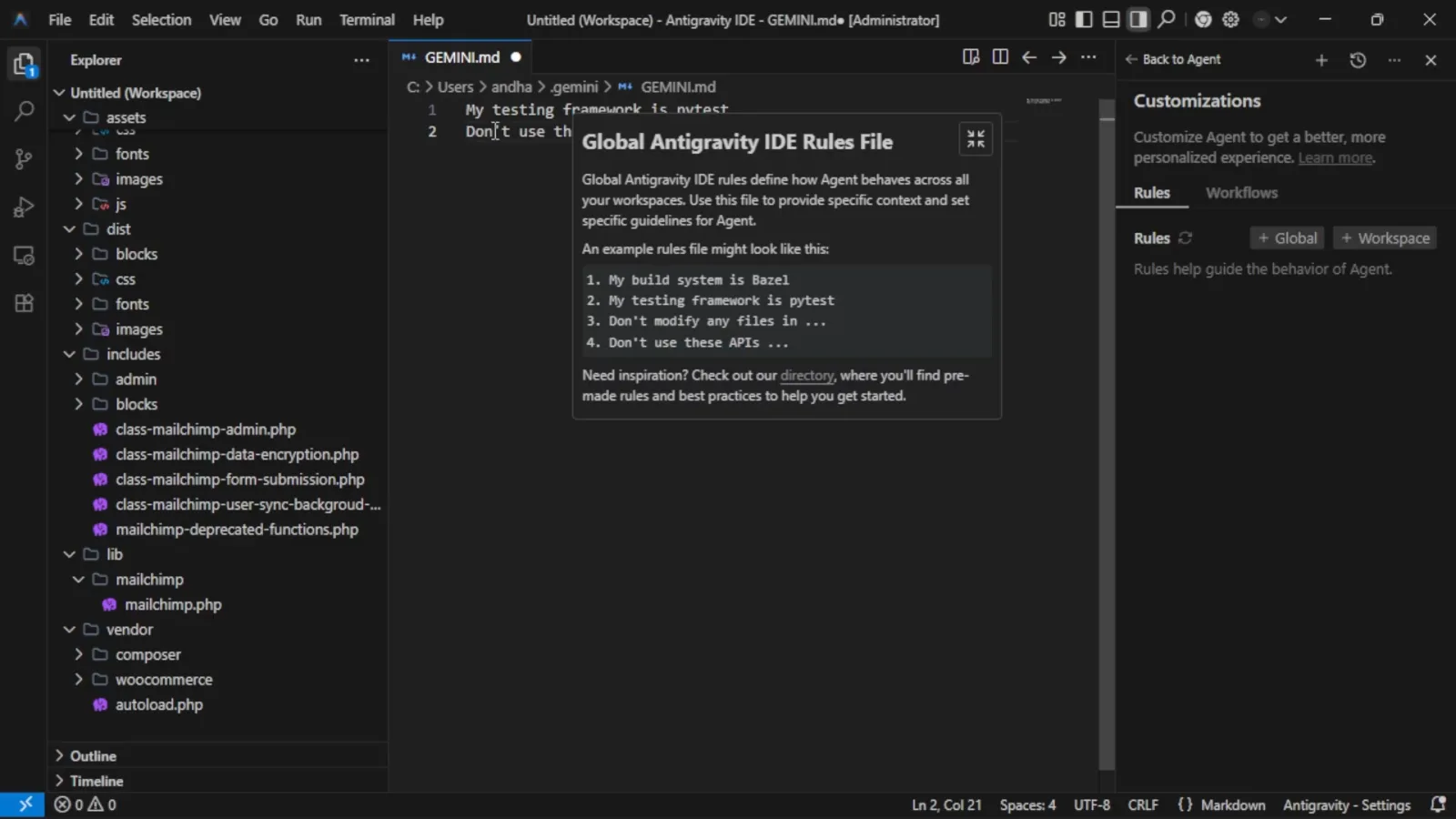
规则就是纯文本,一行一条,不需要任何标记语法。观看 2:12 处 - 6
保存文件——规则即刻生效
保存 GEMINI.md(标签页上的圆点表示还有未保存改动)。保存后,这些行会在每一轮、每个工作区注入智能体上下文,你再也不用在聊天里反复交代同样的要求。编辑器旁的信息图标随时能重新打开作用域说明。
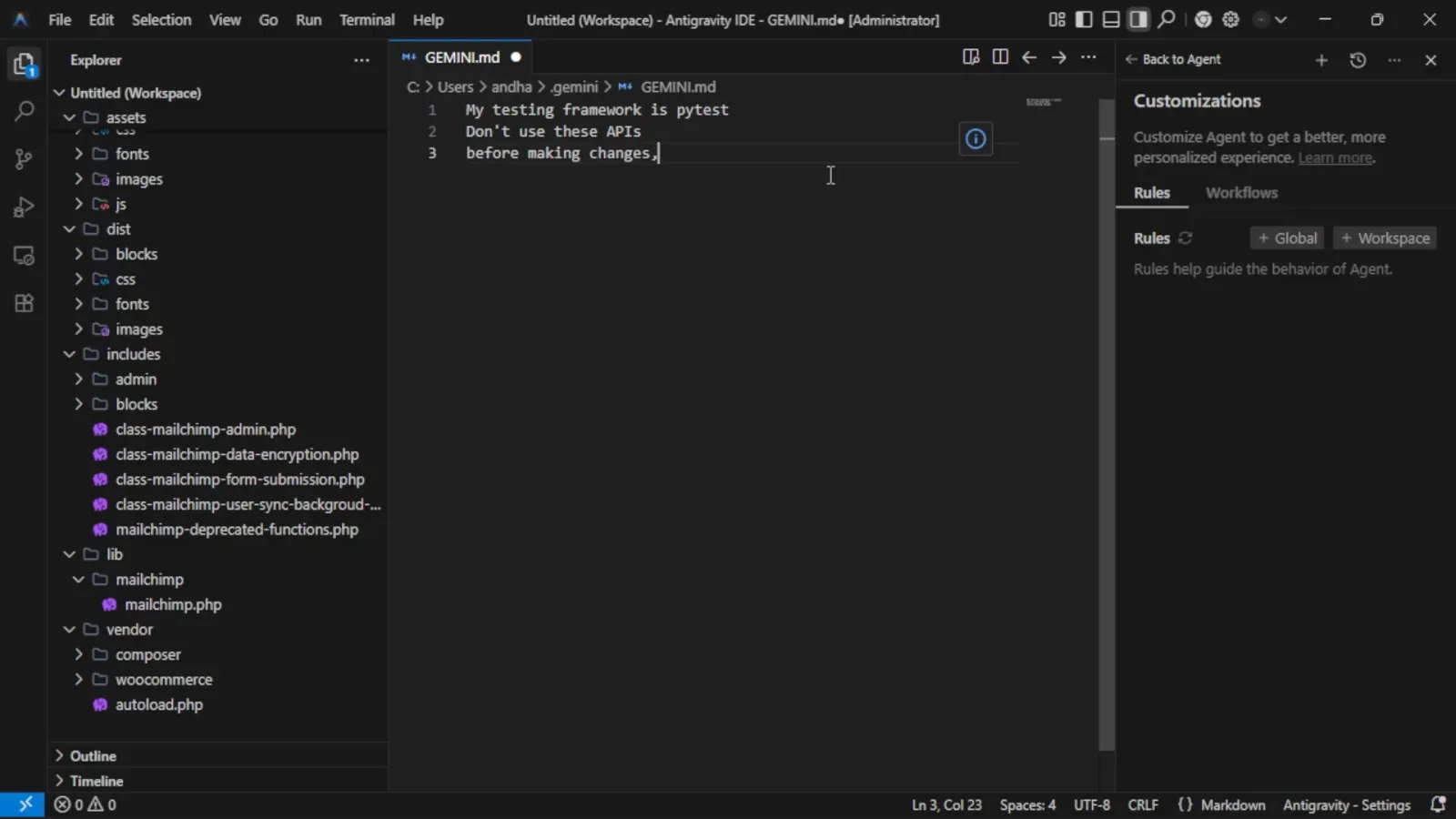
GEMINI.md 中的三条规则——从现在起在所有工作区生效。观看 2:27 处
3 · 保存可复用的 Workflow
- 7
切到 Workflows 标签
Rules 旁边就是 Workflows 标签。Antigravity 把工作流定义为“保存好的提示词,Agent 可以照着执行”——在 Agent 输入框里输入 / 即可触发。适合 review 项目、分析文件、准备发布这类重复性流程。
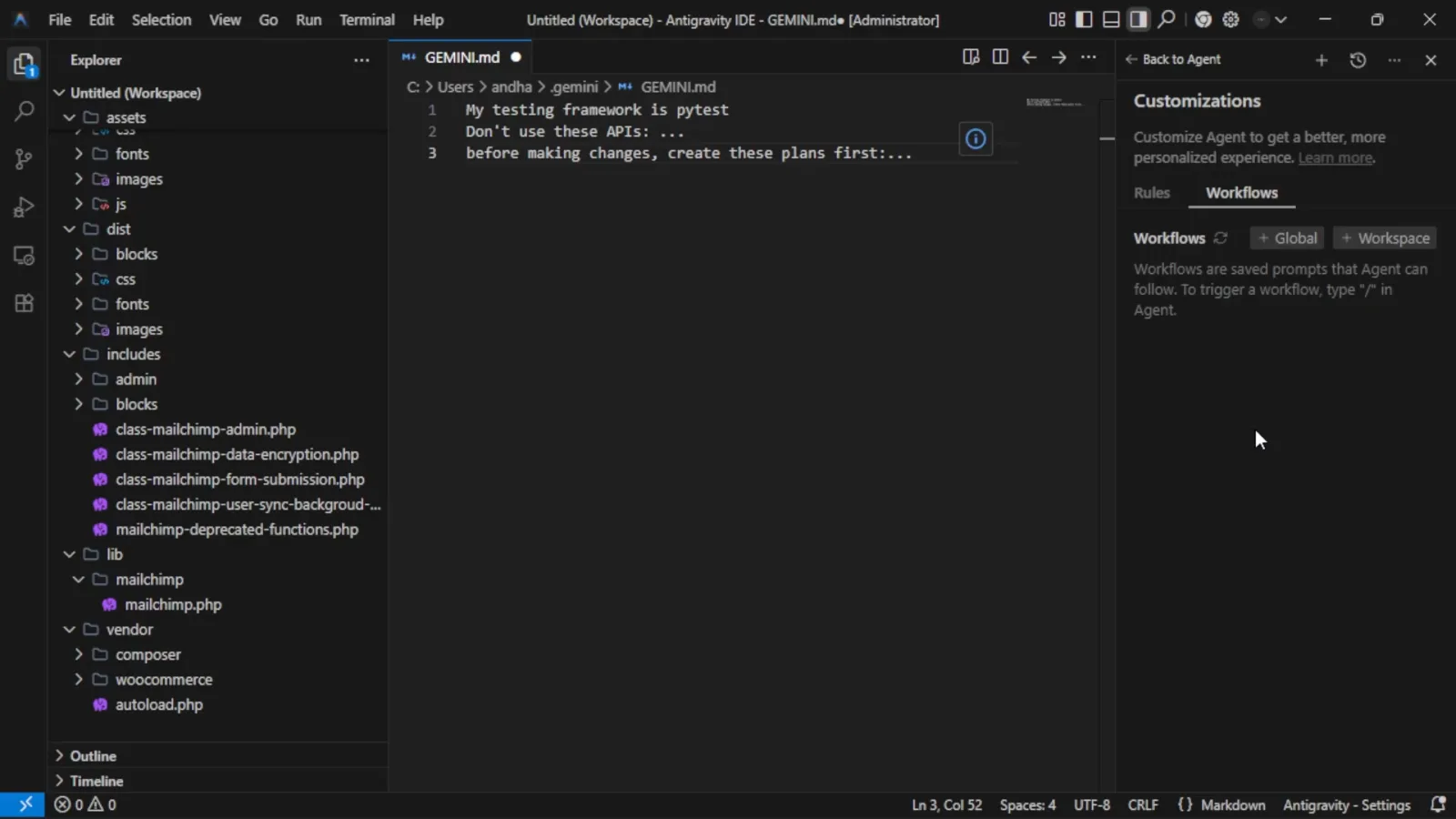
Workflows 标签说明了斜杠命令如何触发保存好的流程。观看 2:58 处 - 8
创建 Workflow 并命名
点击 Workflows 下方的 + Global 或 + Workspace,会弹出命名对话框,示例为 debug-memory-leak。按 Enter 确认,Escape 取消。这个名字就是日后的斜杠命令,务必简短达意——review-project 比 workflow1 好得多。
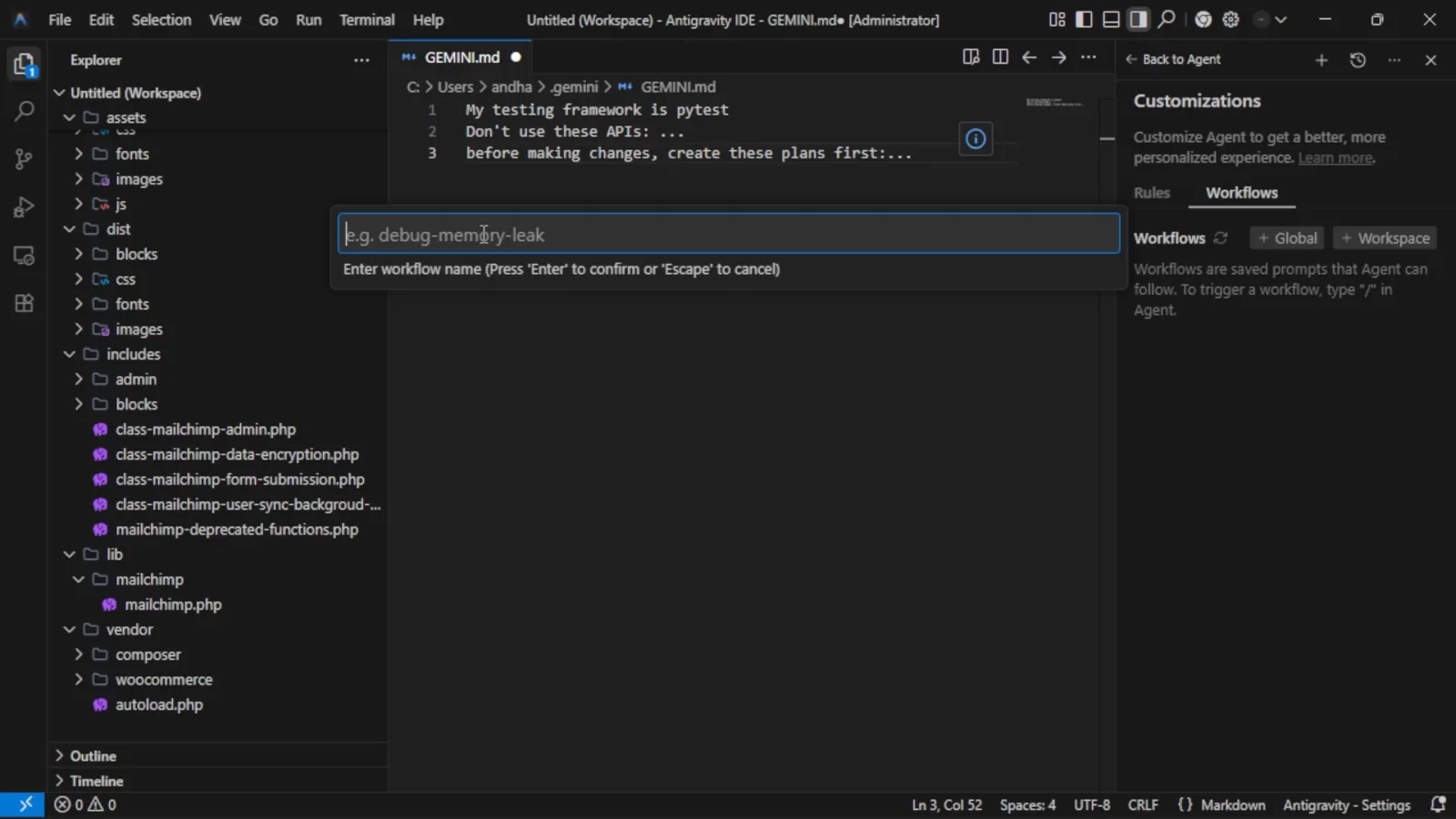
给 Workflow 命名——这个名字会成为它的斜杠命令。观看 3:20 处 - 9
遇到 invalid-name 报错?只能小写和连字符
名字里带空格或大写会被拒绝:Invalid workflow name. Only lowercase letters, numbers, and hyphens are allowed。把空格换成连字符——read-the-main-files——对话框就会放行。
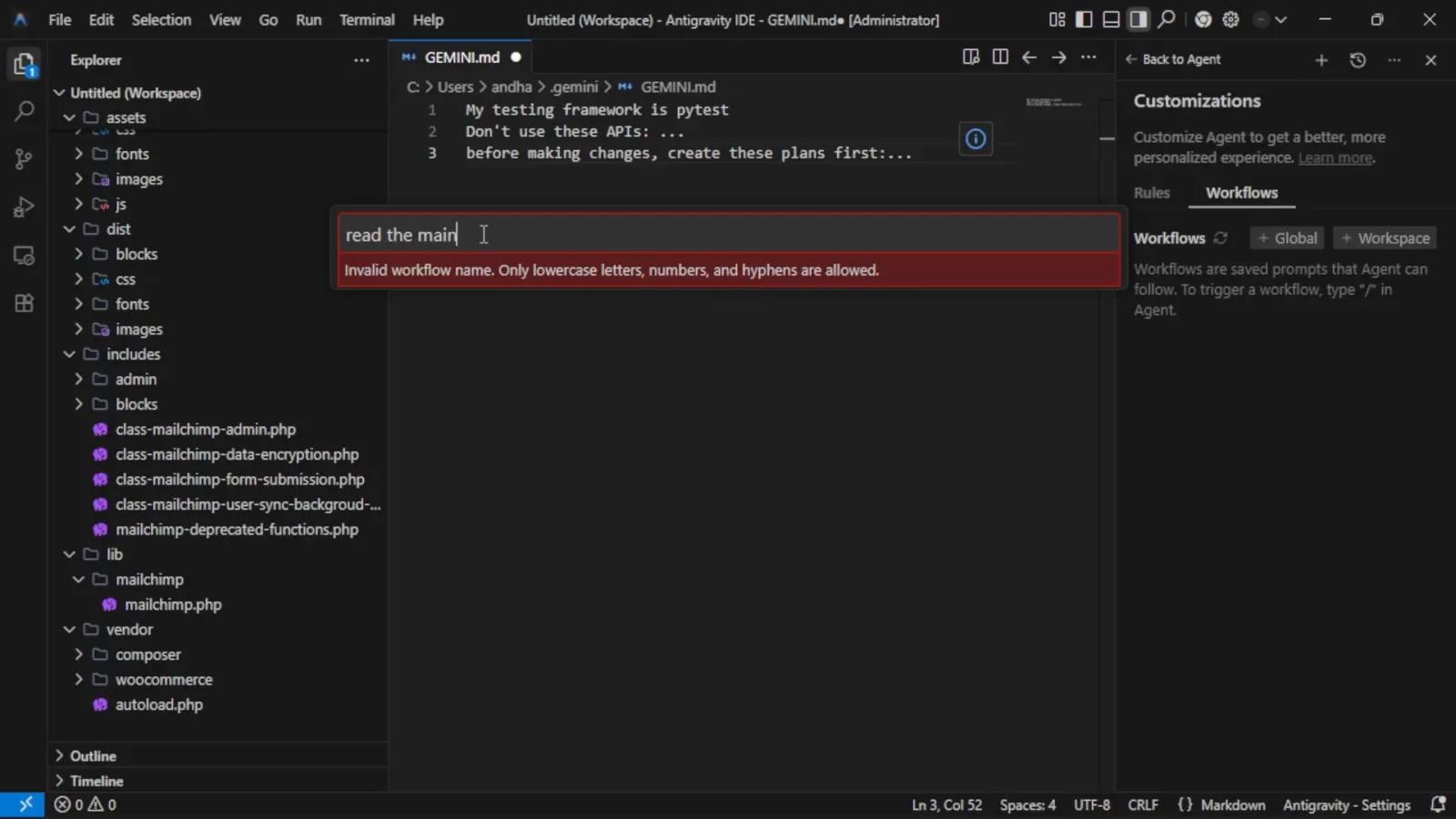
Workflow 名称包含空格时出现的校验报错。观看 3:25 处 - 10
在 frontmatter 里写清楚用途
Antigravity 会把工作流打开为 Markdown 文件(命名前叫 untitled.md),frontmatter 里带一个 description 字段。用一句话写明何时使用它——智能体靠这行判断当前请求适不适合套用这个工作流。
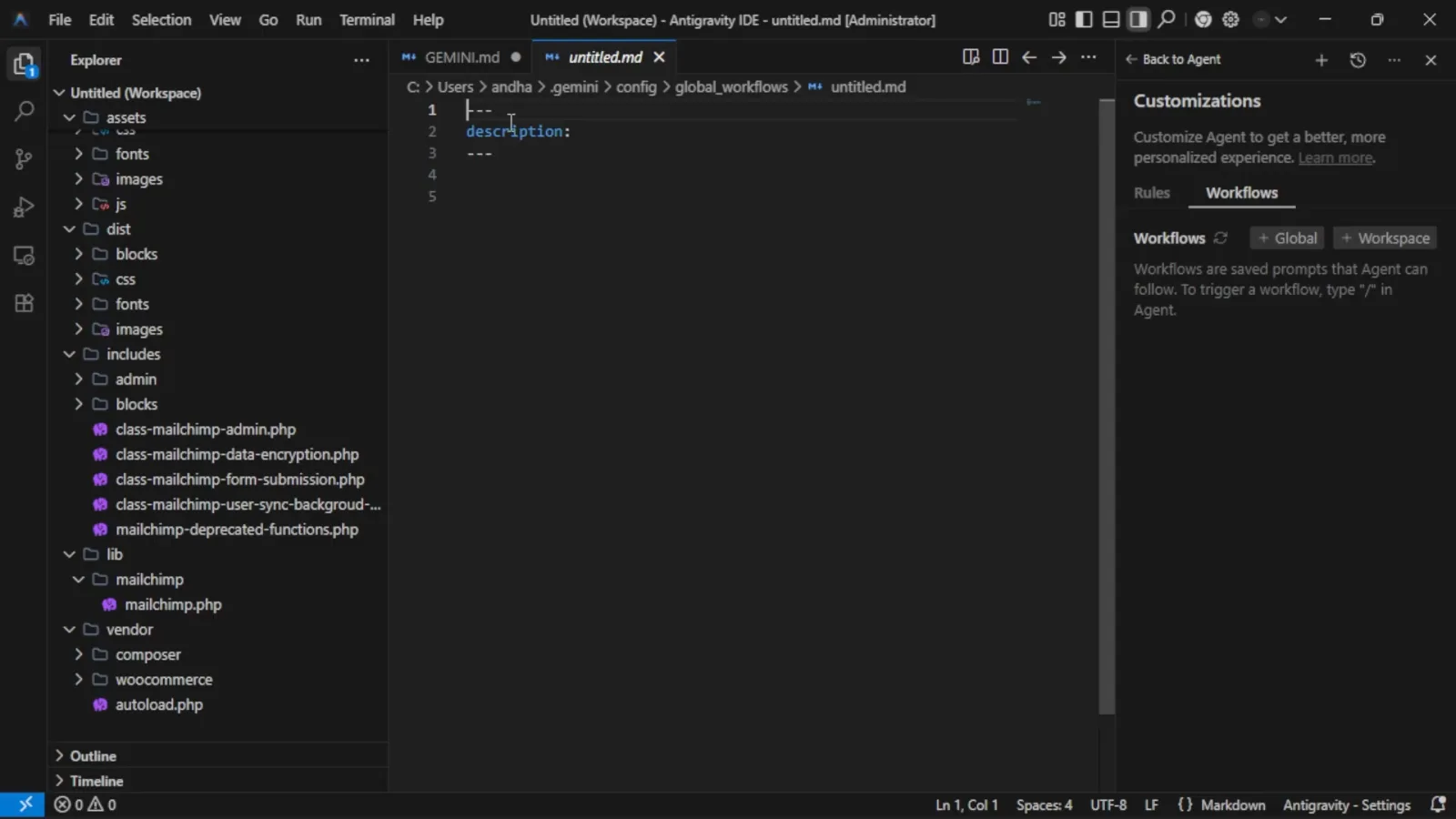
每个 Workflow 都是一个带 description frontmatter 的 Markdown 文件。观看 3:36 处
4 · 编写步骤并运行 Workflow
- 11
按执行顺序列出步骤
在 frontmatter 下方用纯文本写出编号步骤:read the main files、find anything that looks wrong、explain the problem in simple terms、suggest a fix、wait for approval before changing anything。一份有序清单能让智能体按部就班,而不是瞎猜下一步。
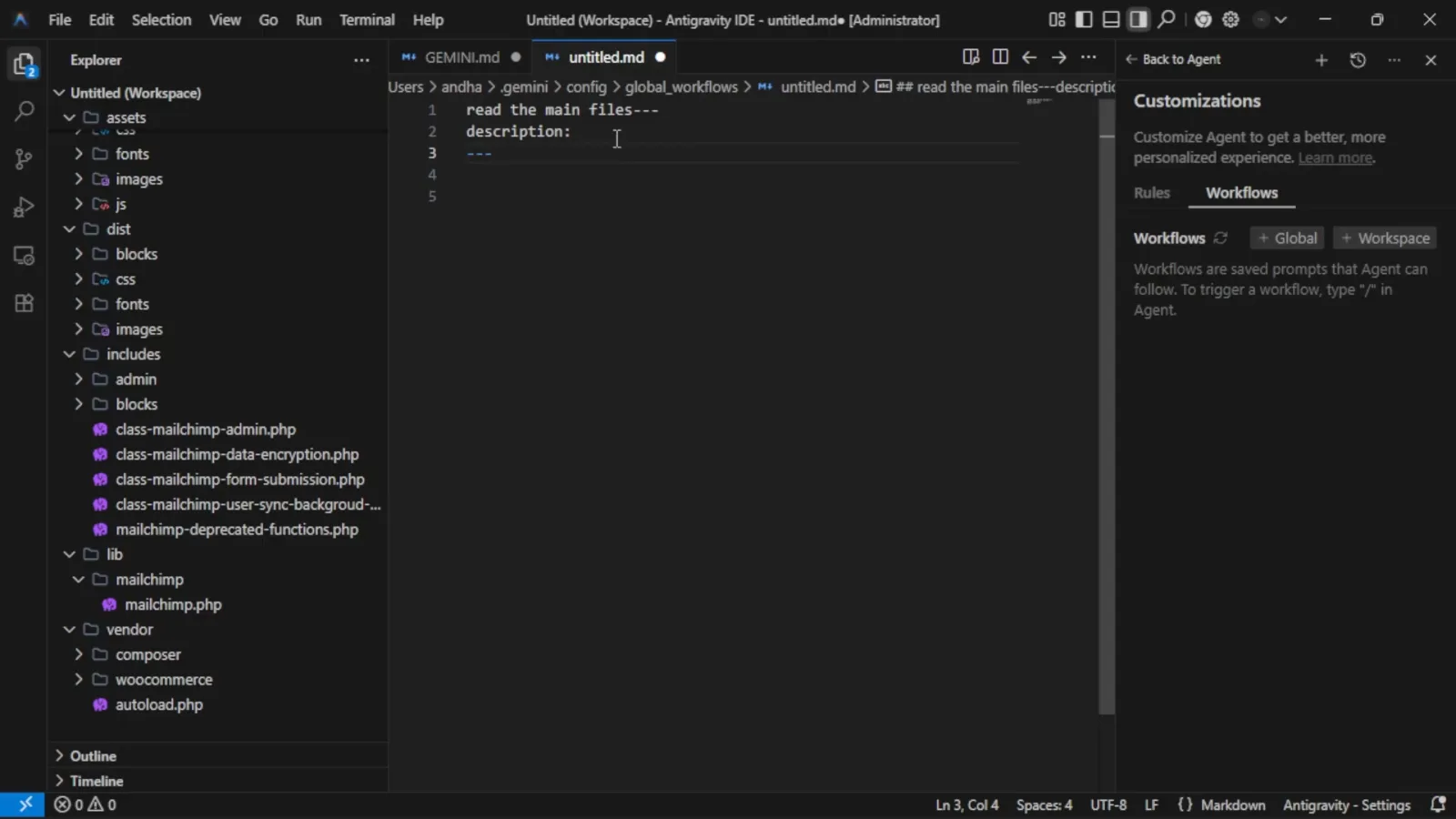
第一个步骤 read the main files 已输入到 frontmatter 下方。观看 3:48 处 - 12
保存后用斜杠命令运行 Workflow
保存工作流文件,回到 Agent 输入框输入 / 列出所有工作流——选择你的那个,智能体就会按保存的步骤逐一执行。Rules 管住智能体的行为习惯;Workflows 让重复流程一键直达。
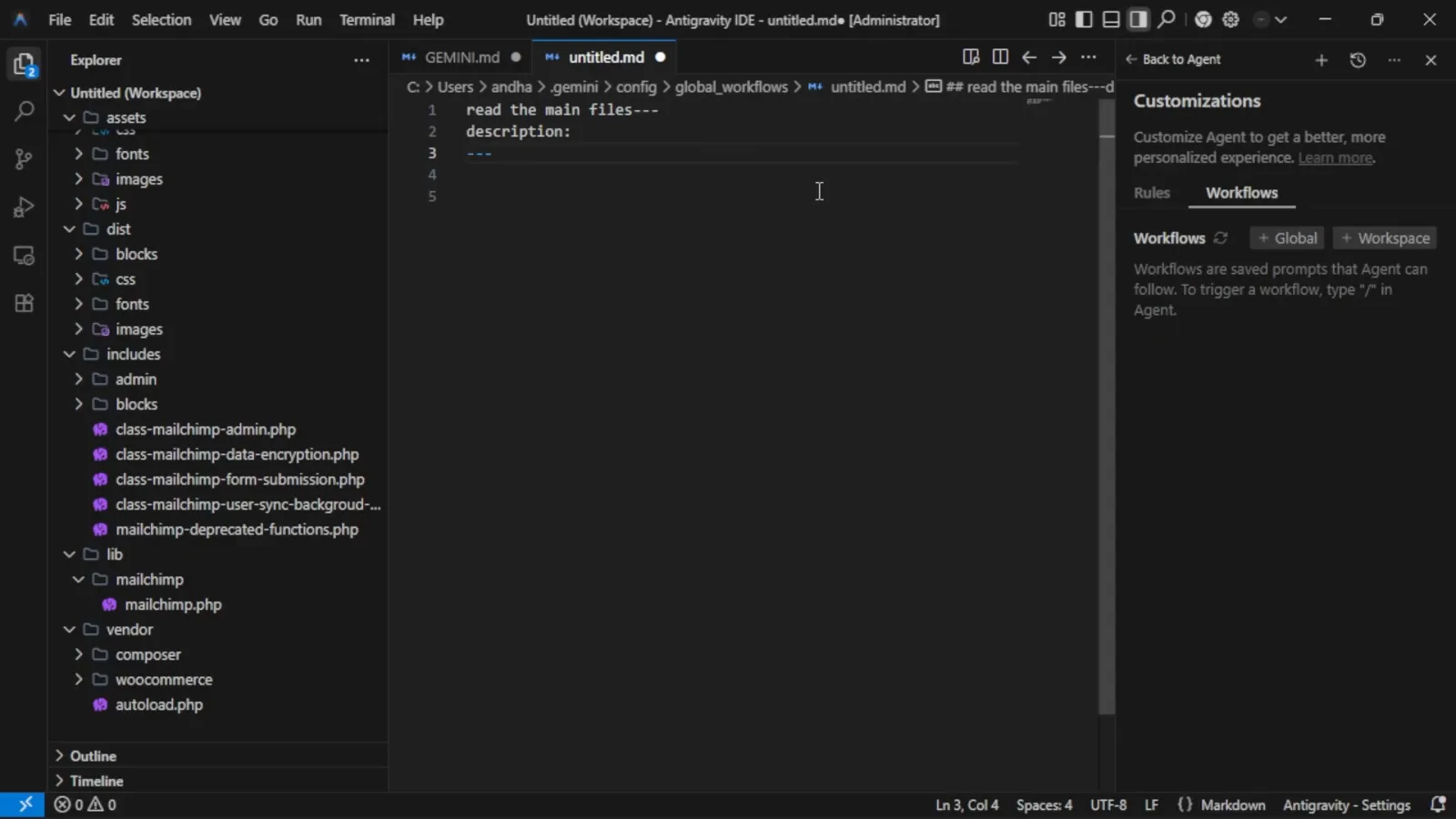
完成的 Workflow,随时可以用斜杠命令触发。观看 3:57 处
Antigravity Rules 不生效?先查这三处
规则写了却不生效
先查文件位置:全局规则必须在 ~/.gemini/ 下(GEMINI.md 或 AGENTS.md,模块化文件放 ~/.gemini/config/rules/),工作区规则放在正确目录层级的 .agents/rules/ 里——rules 文件夹只扫描第一层 .md 子文件,更深的文件要在 .agents/rules.json 里登记。再查 frontmatter:alwaysOn 这类驼峰触发器会被拒绝,要写蛇形的 always_on;另外 manual 规则只有在聊天里 @ 提及才会加载。
规则文件被截断
单个规则文件超过 24 KB 时,会在展开 include 后被截断,超出部分根本到不了模型。把过大的规则拆进 rules/ 文件夹里的多个小文件,一个文件只讲一个主题。
规则悄悄没进上下文
所有内联的全局与 always_on 规则共享约 20,000 token 预算。超出预算时,Antigravity 会把最大的规则文件降级成单行路径指针,智能体按需去读——规则还在,只是不再全文内联。精简或拆分 always-on 集合,或把不常用的规则改成 model_decision、manual 触发。